Tag: IT

  • Adobe Creative Cloud available in the tech request catalog

    The Adobe Creative Cloud suite is now available for request through our internal Tech Request Catalog.
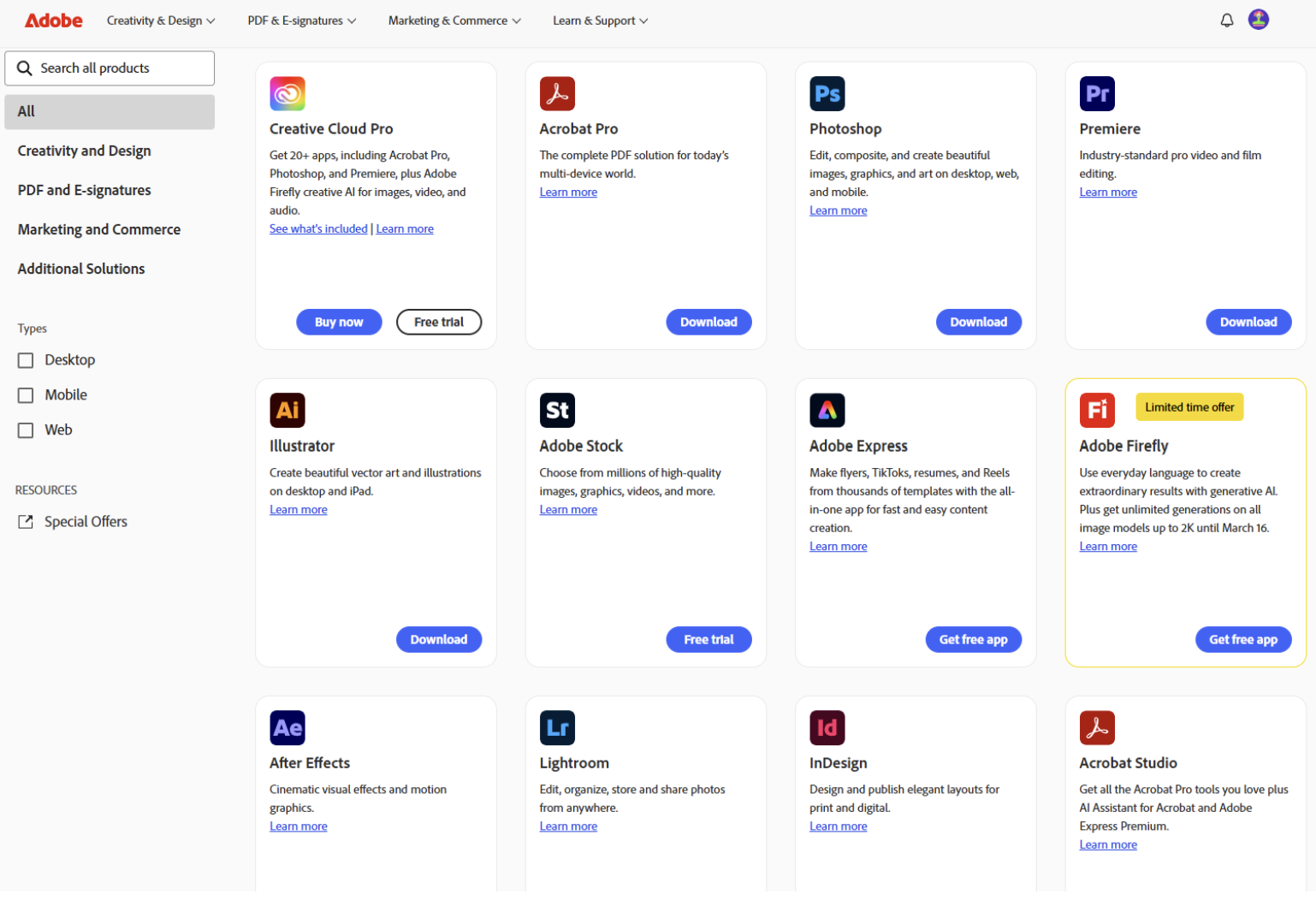
    Adobe Creative Cloud apps

    Key tools to support your work

    • Adobe Acrobat Pro & eSign: Stop the “print-sign-scan” cycle by sending documents for legally binding signatures in seconds.
    • Track progress: See exactly who has opened a document and who still needs to sign.
    • Mobile-friendly: Recipients can sign on their phones without needing an Adobe account.
    • Advanced password protection: Secure sensitive employee data or confidential plans by restricting who can view, print, or edit your files.
    • PDF power tools: Fix typos directly in a PDF, convert files back into editable Word or Excel docs, and merge multiple files into one organized document.

    How to get started

    1. Navigate to the Tech Request Catalog.
    2. Click on “Catalog” and then select “Subscriptions/Memberships”.
    3. Wait for an email notification confirming your request has been approved.
    4. Log in using your Central Rivers AEA Google credentials, ensuring you select “Company or School Account”.

    For step-by-step guidance, please check out the 2026 Adobe Directions. If you run into any trouble, reach out to the Help Desk at 319-273-8231.
  • Updates from the Information Technology (IT) team

    Leverage the new Zoom Scheduler “booking link” to save time and streamline appointment scheduling.

    Zoom Scheduler is a new feature that helps you book meetings faster. It can link directly to your Google Calendar and lets you create specific time slots when you are free. You then share those slots with others, and they can pick a time that works for everyone, automatically adding it to both calendars. More details about this new feature include:

    • Automatic text reminders for meetings can be beneficial for attendees, especially for guardians and caregivers outside the agency.
    • Streamline your meeting scheduling with school partners by utilizing the Zoom scheduler. This tool allows them to book 30-minute meetings with you during specified time slots.
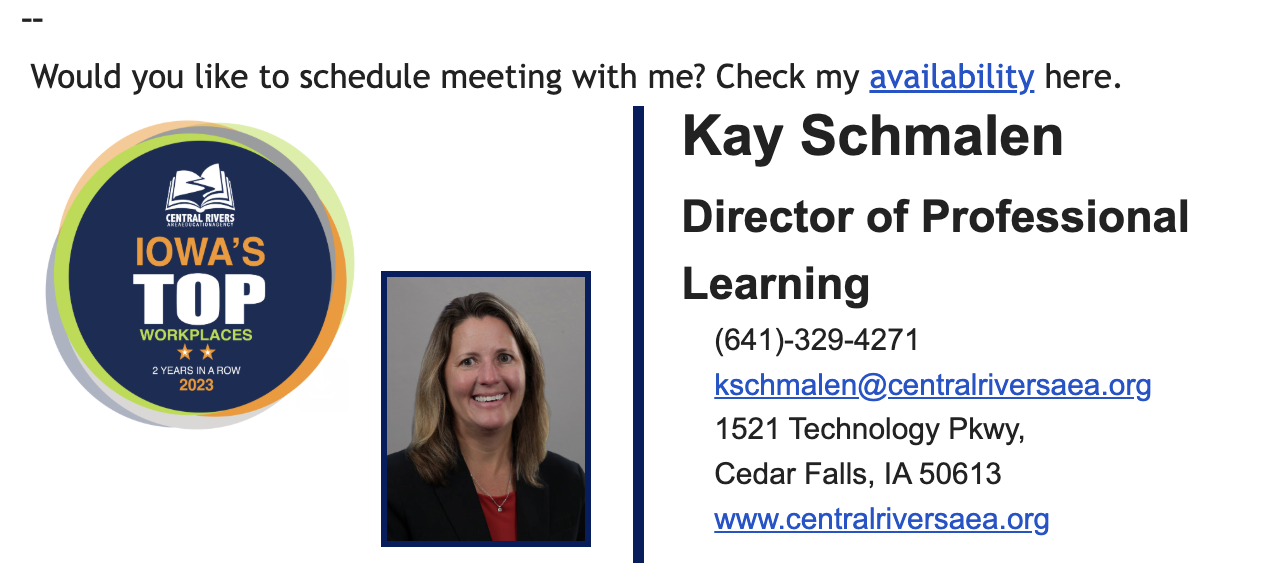
      • For quick and easy connections, consider including your booking link in an email or signature, eliminating the need for back-and-forth scheduling.
    Zoom Scheduler booking link example

    For more information, check out the tutorial and FAQs document.

  • Updates from the Information Technology (IT) team

    Good news! Zoom’s SMS texting feature is now fully active and ready to use. Please refer to the CRAEA Zoom Phone Tutorial and FAQ for the step-by-step directions.


    MacBook Air now an option in our device rotation

    You asked, we listened. To keep your devices working well, Central Rivers AEA is starting a regular replacement cycle. This helps keep technology up to date, controls costs and—best of all—gives you a choice. When it’s time for a refresh, you can pick either a Windows PC or a MacBook Air.
    We’re excited to offer both PC and Mac so you can work on the platform that fits you best. Wondering when you are up for rotation? Check out this resource from IT. The Help Desk will be reaching out to the appropriate staff towards the end of October for this year’s rotation.


    October is Cybersecurity Awareness Month

    Artificial intelligence (AI) can be a helpful tool that makes tasks more efficient and improves our daily lives. Unfortunately, cyber criminals have started using AI to make their social engineering attacks more believable and effective. They are taking advantage of generative AI to scam people with phishing emails, spoofed voice calls, and fraudulent videos of real people. In this video, employees will learn about how cyber criminals use generative AI in their attacks and the warning signs that can help them identify deepfake images, videos and voice calls. (Article by The Security Awareness Company)

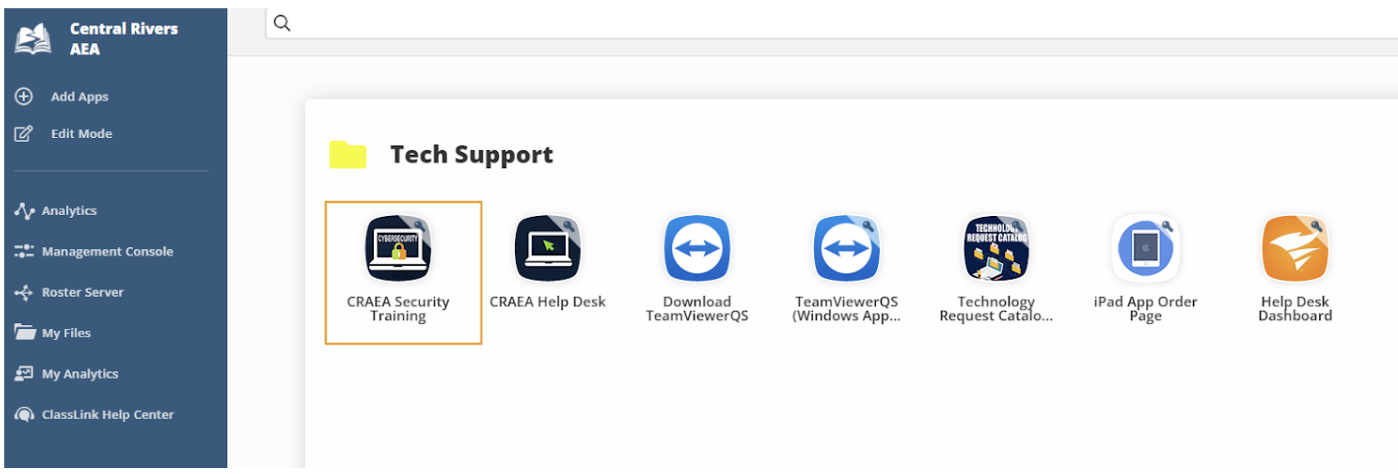
    A video titled “Generative AI: Seeing Through the Deception” is available for viewing in the CRAEA Security Training folder through Classlink.

    Central Rivers AEA cybersecurity training

    When you receive any suspicious communications: Stop and think before you click! Reach out to the Help Desk at 319-273-8231 or at helpdesk@centralriversaea.org if you have questions.