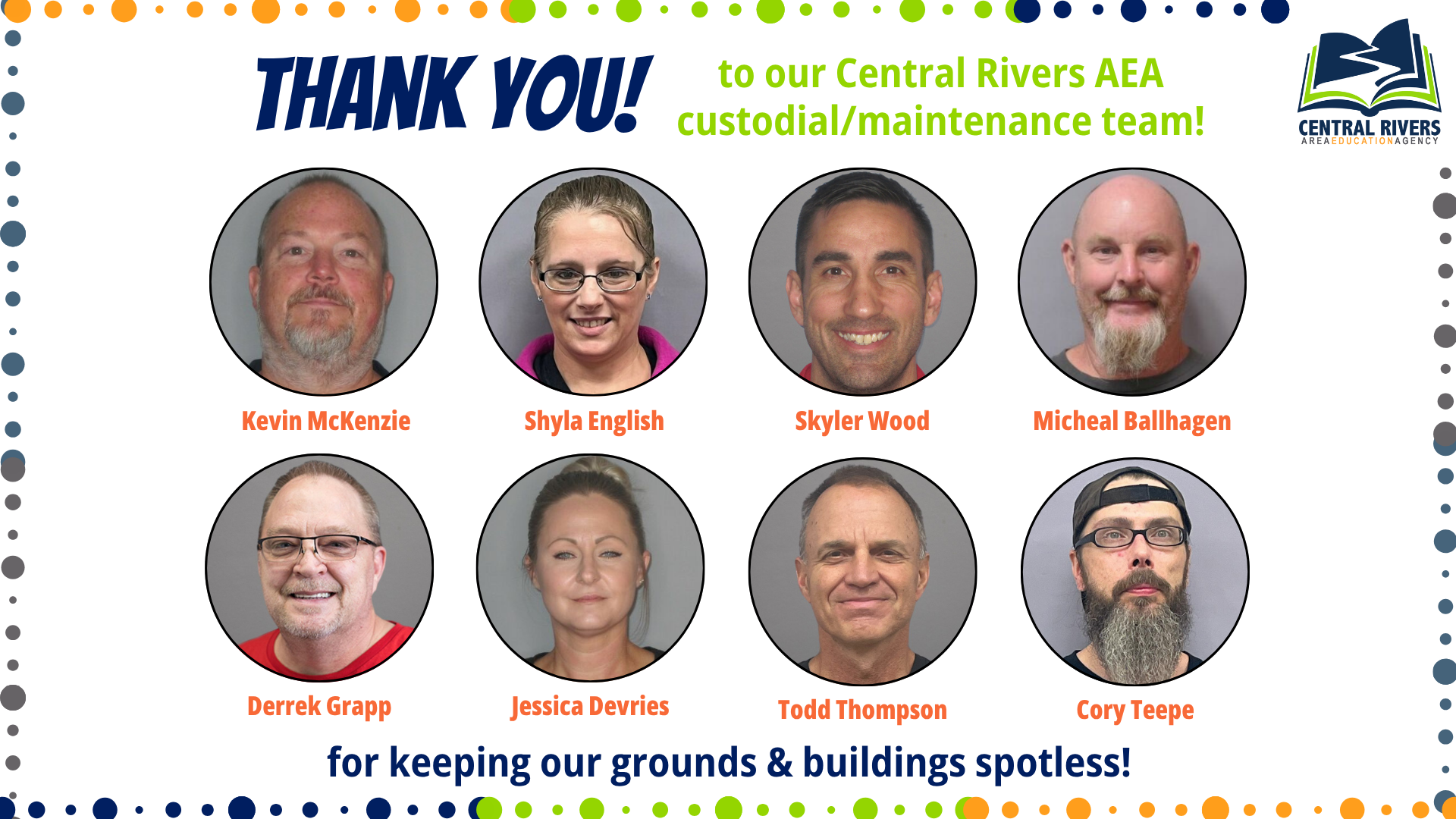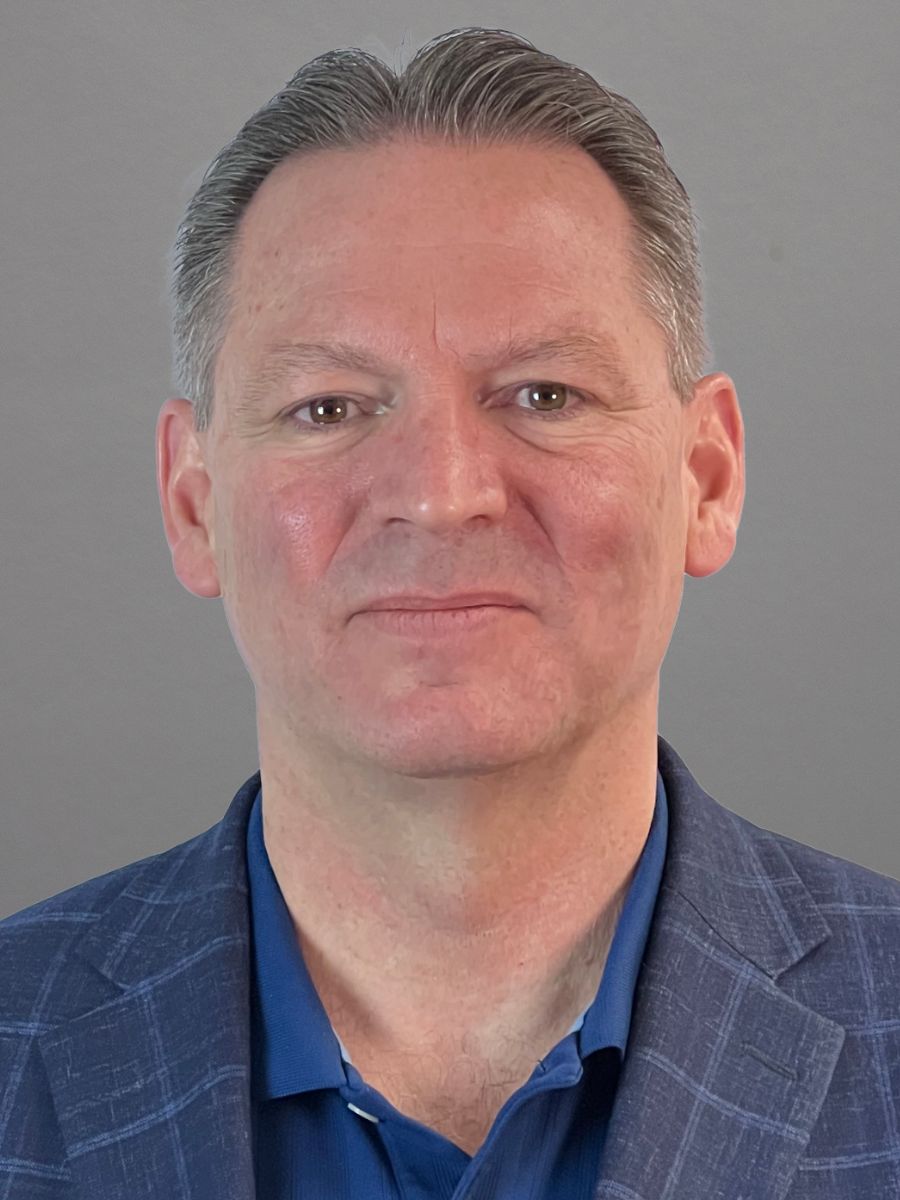
We would like to welcome incoming staff for the 2025-26 school year!

We’re always looking for ways to celebrate the impact of our work – and that starts with the students we serve. Do you know a student who’s made big strides in their learning or reached a milestone thanks to the support you or your team provided? We’d love to share their story as a way to highlight Central Rivers AEA services and the powerful results they lead to.
If you have a story in mind, complete this quick Google Form to get started. Let’s keep shining a light on the difference we’re making together! For questions, please reach out to Contessa Van Buskirk, Communications Specialist.
Check out some of our submitted stories for inspiration:
To help block “calendar spam” and keep your schedule clutter-free, we’ve updated our security settings. Previously, invites from all sources were added to your calendar automatically. Now, an event from outside the CRAEA domain will only appear on your calendar after you click “Yes” or “Maybe” in the email invitation.
You don’t need to change any settings. Just remember to check your email for new invites from outside organizations – once you RSVP, the event will sync to your calendar as usual. To locate missing calendar invites, you can search for “Invitation:” in your email. If you believe the email was deleted, search for “in:trash Invitation:”. These searches should bring up all your invitations, allowing you to select “Yes” or “Maybe.”
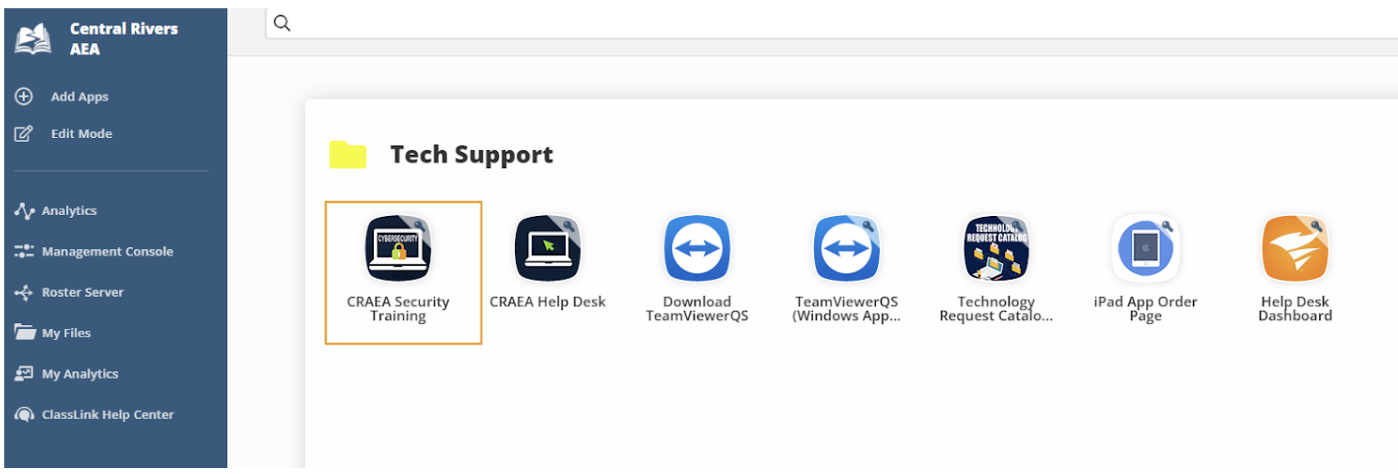
Please reach out to the CRAEA Help Desk (319-273-8231), if you have questions.
Let’s be honest: technology moves fast, and it can be tough to keep up. That’s why Central Rivers AEA and Keystone AEA teamed up to create the Staff Tech Hub – your go-to cheat sheet for all things digital! Think of it as your monthly “tech upgrade.” We update this resource every month with simple, practical ideas to save you time and boost your confidence.
Assistive Tech: Starting in April 2026, new federal rules require all public school digital materials – from websites to classroom slideshows – to be fully accessible to people with disabilities. This means every staff member must now ensure their videos, documents and social media posts are designed so everyone can easily read or hear the information.
Artificial Intelligence: Central Rivers AEA has launched a new AI tool called the “Brand Voice Gem” to help staff write emails and documents that sound professional, supportive and human. By following a simple link, you can use this assistant to turn cold or technical language into collaborative, solutions-focused communication that better serves our students and districts.
Practical tech tips: To keep your documents professional and easy for everyone to read, use the Google Docs ruler to set “tabs” and “indents” instead of hitting the space bar to align text. This ensures your layouts stay perfectly lined up on any device and meets accessibility standards for students and staff.The goal isn’t just to give you more tools, it’s to make your daily work easier and more impactful. Ready for more? Head over to the Staff Tech Hub to see the full list of tips and tricks for this month! Reach out to Tiffanie Zaugg, Assistive Technology/AI Specialist, with questions.
Live documents, helpful resources and guides can be found on our staff website.

Want more peace and less stress in your work and/or personal life? Core Energy Coaching can help! Central Rivers AEA offers free 1:1 coaching sessions with certified well-being coach Dr. Leslie Moore on Zoom. Coaching creates the space for individuals to recognize and shift out of Level 1 and 2 energy – where fear, doubt and conflict often take the lead – and move toward more empowering states like Level 5 and 6, where collaboration, possibility and purpose begin to drive thought and action. By helping people identify limiting beliefs, release blame and reframe challenges, coaching fosters a mindset rooted in curiosity, compassion and shared success. The result is greater clarity, confidence and connection – both internally and across teams. Schedule your session online!
Central Rivers AEA continues to encourage our staff to enhance their well-being by offering a $250 incentive for submitting evidence of understanding and skills in one micro-credential related to INspired Leadership! To learn more about microcredentials, review the Micro-credential Explanation document. To learn about and/or register for a microcredential you are interested in, choose and select: 1) Awareness of Internal Energy, 2) 4 Key Mindsets, and 3) Overcoming Internal Energy Blocks [requires both prerequisite microcredentials above]. Evidence submitted will be reviewed by Dr. Moore. If you need to create an account, have questions about microcredentials or aren’t sure how to sign up, contact Kay Schmalen at kschmalen@centralriversaea.org.