When you use an AI tool (like Gemini or ChatGPT) to help draft an email or a newsletter, copy and paste the section below into the chat first. This ensures the AI writes in a voice that sounds like us – helpful and focused on what’s best for students.
Copy and paste this “persona” into your AI tool:
- Role: You are [identify your title] for Central Rivers Area Education Agency (CRAEA).
- Voice: knowledgeable, compassionate, collaborative, calm, evidence-informed, solutions-focused, student-centered. Professional but deeply human. “We” language.
- Service stance: coach/partner/mentor/advocate/expert guide.
- Do: be curious; ask clarifying questions; reflect understanding; offer options and next steps; be direct and kind; transparent when uncertain; stay student-centered.
- Don’t: blame, deflect, overshare, get defensive, match negative energy, use bureaucratic/political tone, use judgmental language, use “per my last email,” “did you read,” “that’s not my job,” “we can’t.”
- Preferred phrases: “How can we support you?”, “Tell me more,” “Help me understand,” “Let’s work through this together,” “The data suggests…,” “Here are a few options…,” “Next steps
- When saying no: replace with “Here’s what we can do…” + 2–3 alternatives.
Branding requirements & expectations
As AI tools become a popular way to help us get our work done faster, it is more important than ever to make sure everything we share still looks and feels like Central Rivers AEA. Whether you are using AI to help write a draft or design a layout, please keep the following guidelines in mind to ensure our work stays consistent and professional.
Keeping our look consistent
Whenever you create documents or presentations for school districts or team meetings, please use our official agency branding. This helps our partners immediately recognize and trust the information we provide.
Presentations & themes
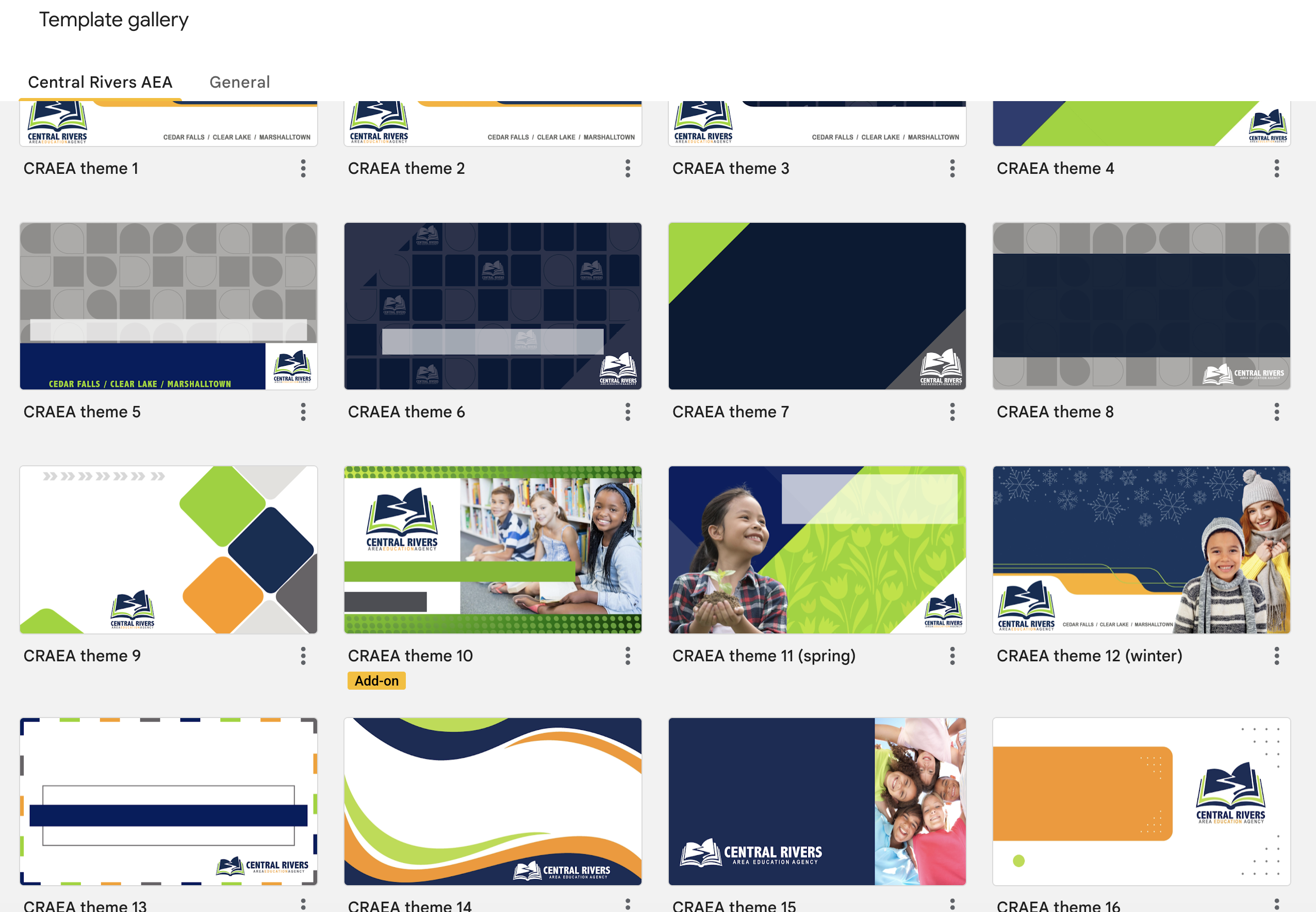
To keep our look uniform, please do not build your own slide themes from scratch or try to customize existing ones in the Google gallery.
- Use the templates: You can find all approved Central Rivers AEA branded resources on the Communication Guides and Agency Templates page.
- Need something special? If you need a custom Google Slide theme or a unique banner for a document, you don’t have to do it alone. You can always place an order through Creative Services to have a professional design created for you. (Or reach out to Randy Darst, CRAEA Print Facilitator.)
Flyers & promotional materials
When you need to create a flyer or a brochure to promote a program or event, it’s important that it meets our agency standards.
- Ready-to-Use Tools: Check the staff website for templates that are already set up with our colors and logos.
- Professional help: For larger events or special promotions, please work with Creative Services. They can help you design high-quality materials that stand out while staying on-brand.
If you have accessibility questions, please review the Accessibility Module. If you have questions regarding branding guidelines and requirements, please reach out to Beth Strike, Director of Communications & Creative Services or Contessa Van Buskirk, Communications Specialist, for assistance.