The Adobe Creative Cloud suite is now available for request through our internal Tech Request Catalog.
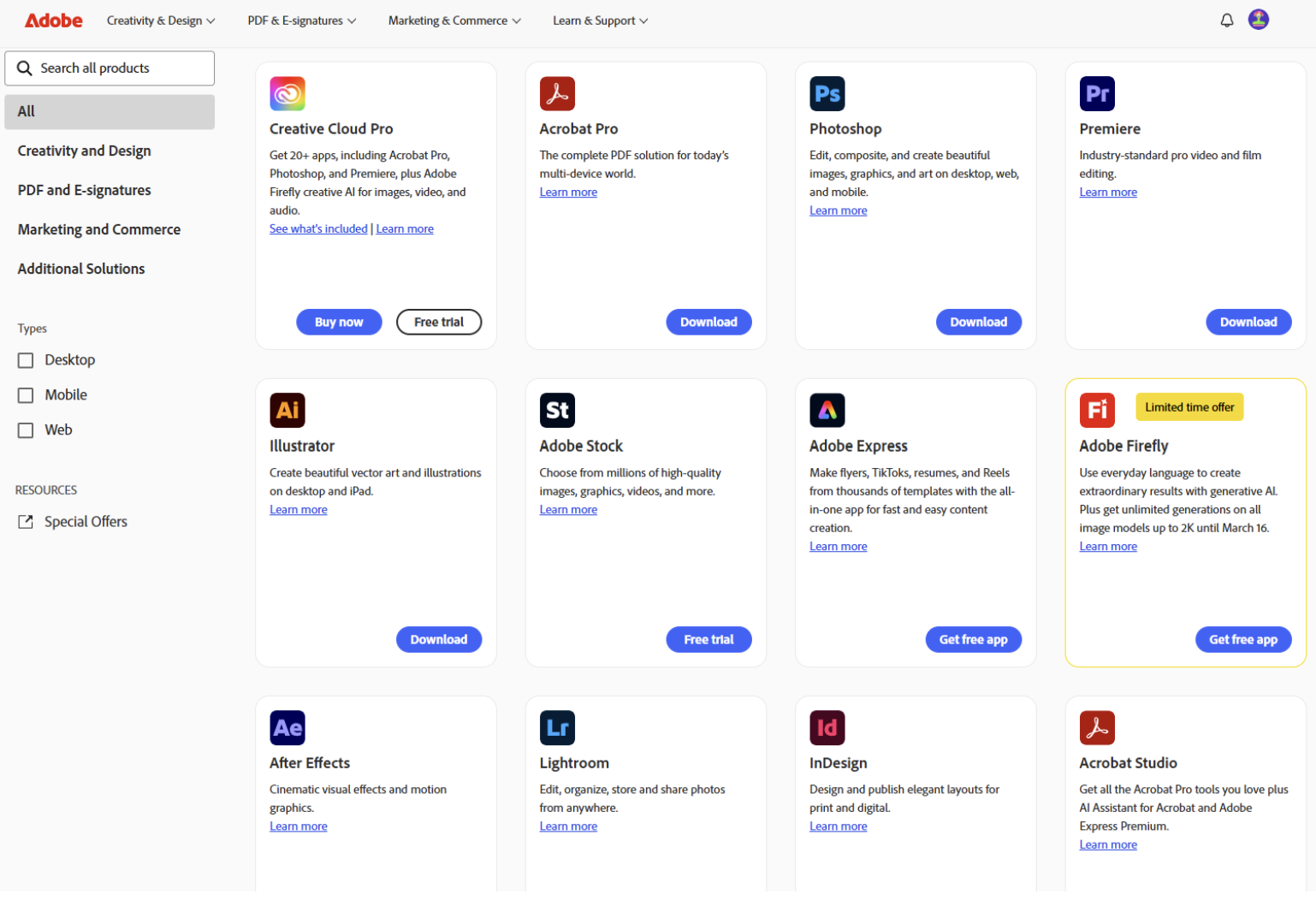
Key tools to support your work
- Adobe Acrobat Pro & eSign: Stop the “print-sign-scan” cycle by sending documents for legally binding signatures in seconds.
- Track progress: See exactly who has opened a document and who still needs to sign.
- Mobile-friendly: Recipients can sign on their phones without needing an Adobe account.
- Advanced password protection: Secure sensitive employee data or confidential plans by restricting who can view, print, or edit your files.
- PDF power tools: Fix typos directly in a PDF, convert files back into editable Word or Excel docs, and merge multiple files into one organized document.
How to get started
- Navigate to the Tech Request Catalog.
- Click on “Catalog” and then select “Subscriptions/Memberships”.
- Wait for an email notification confirming your request has been approved.
- Log in using your Central Rivers AEA Google credentials, ensuring you select “Company or School Account”.
For step-by-step guidance, please check out the 2026 Adobe Directions. If you run into any trouble, reach out to the Help Desk at 319-273-8231.