The Channel - a blog for Central Rivers AEA staff and board members 

Our Mission: To Deliver High-quality, evidence-based, and strategic services to our education partners that meet the diverse needs of iowa's learners (birth-21_), educators, and school Communities.

Category: Uncategorized

  • Your feedback helps shape our collective impact

    At our recent All Staff Meeting, we shared a survey designed to help us better understand what’s working well across our agency and where we have opportunities to strengthen our collective impact. If you haven’t had a chance to complete the survey yet, we’d love to hear from you! Please take a few minutes to share your feedback. 

    As an agency, we want to make sure we’re building on the things that are working, while also being honest and thoughtful about where we can improve. Hearing from staff across teams, roles and experiences will help us identify common themes, understand different perspectives and inform how we move forward together.

    Thank you for taking the time to share your voice and for helping us strengthen our collective impact – together.

  • Legacy & impact challenge

    We’re always looking for ways to celebrate the impact of our work. This year, we will randomly award ten (10) $100 gift certificates from all entries/stories of success shared before Thanksgiving 2026.

    Do you know a student who’s made big strides in their learning or reached a milestone thanks to the support you or your team provided? How about a teacher, administrator, district or building team that’s moving forward due to your influence? Maybe you’ve made an impact with a family or in the community? We’d love to share their story as a way to highlight Central Rivers AEA services and the powerful results they lead to.

    Let’s keep shining a light on the difference we’re making together! For questions, please reach out to Beth Strike, Director of Communications & Creative Services or Contessa Van Buskirk, Communications Specialist.

  • Sign up for agency alerts

    Please be sure that you are signed* up to receive Central Rivers AEA Alerts via text, call or email. Alerts are used to announce agency-related emergency updates, building closings or professional learning cancellations. *If you are already signed up, you do not have to do anything.

    Sign up today at https://myalerts.centralriversaea.org/. If you have questions, please reach out to Beth Strike, Director of Communications & Creative Services.

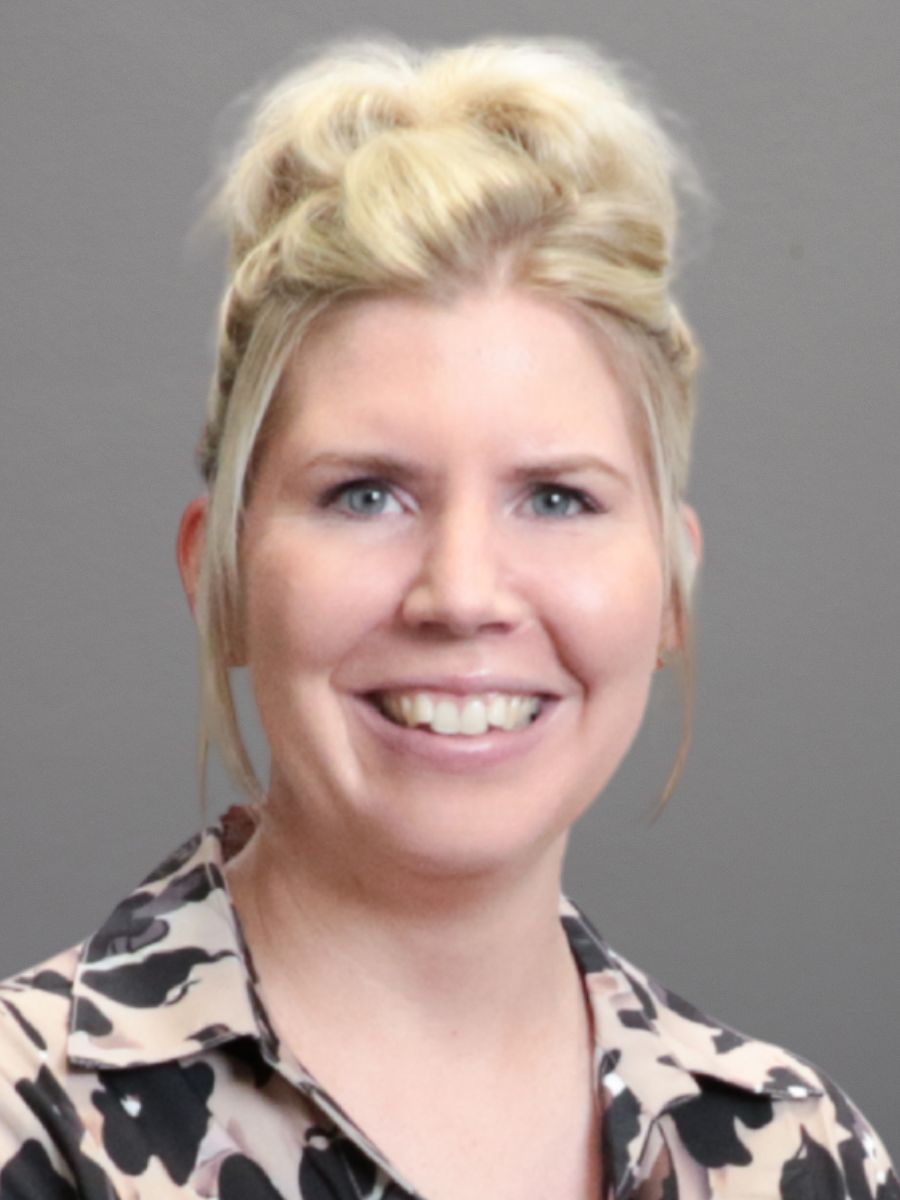
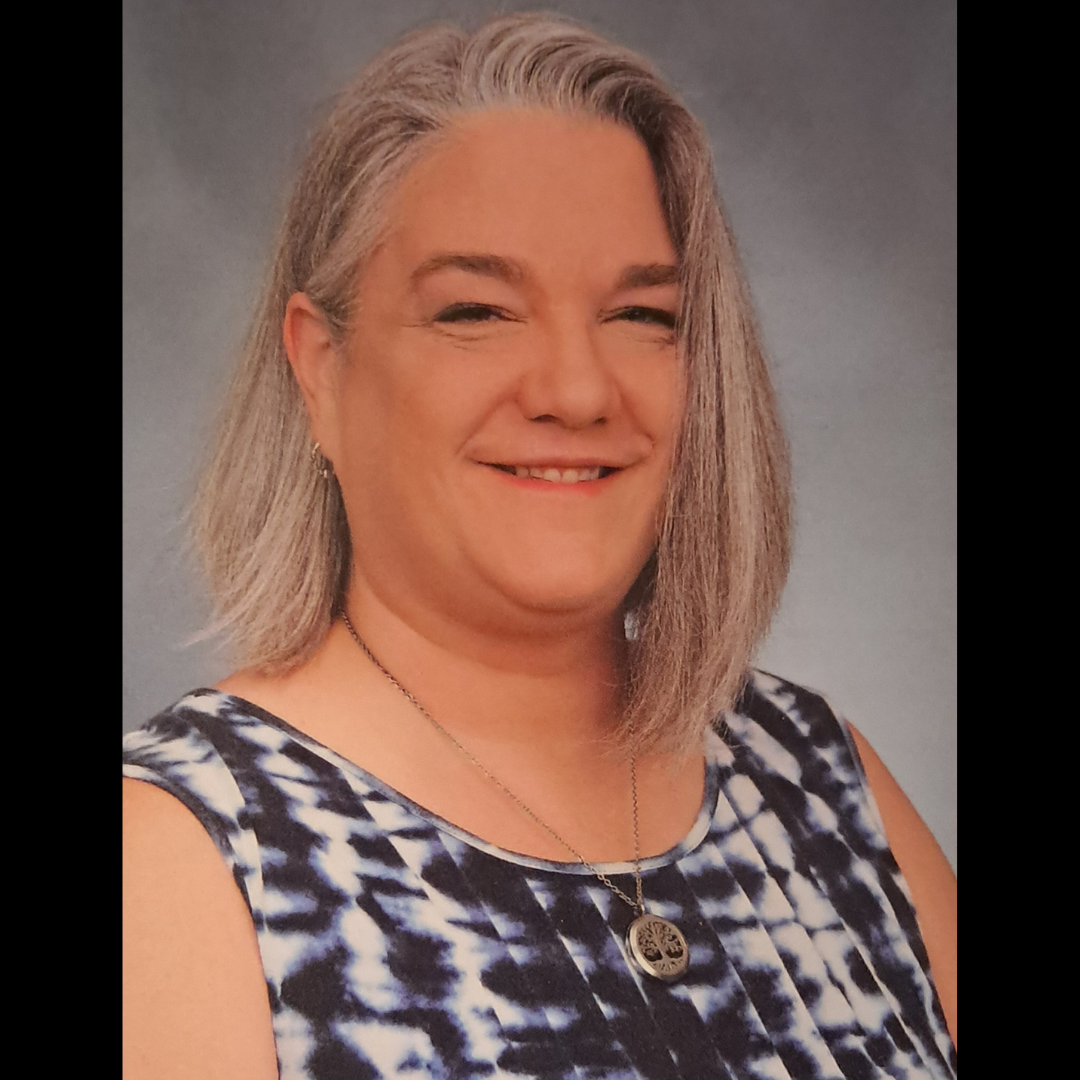
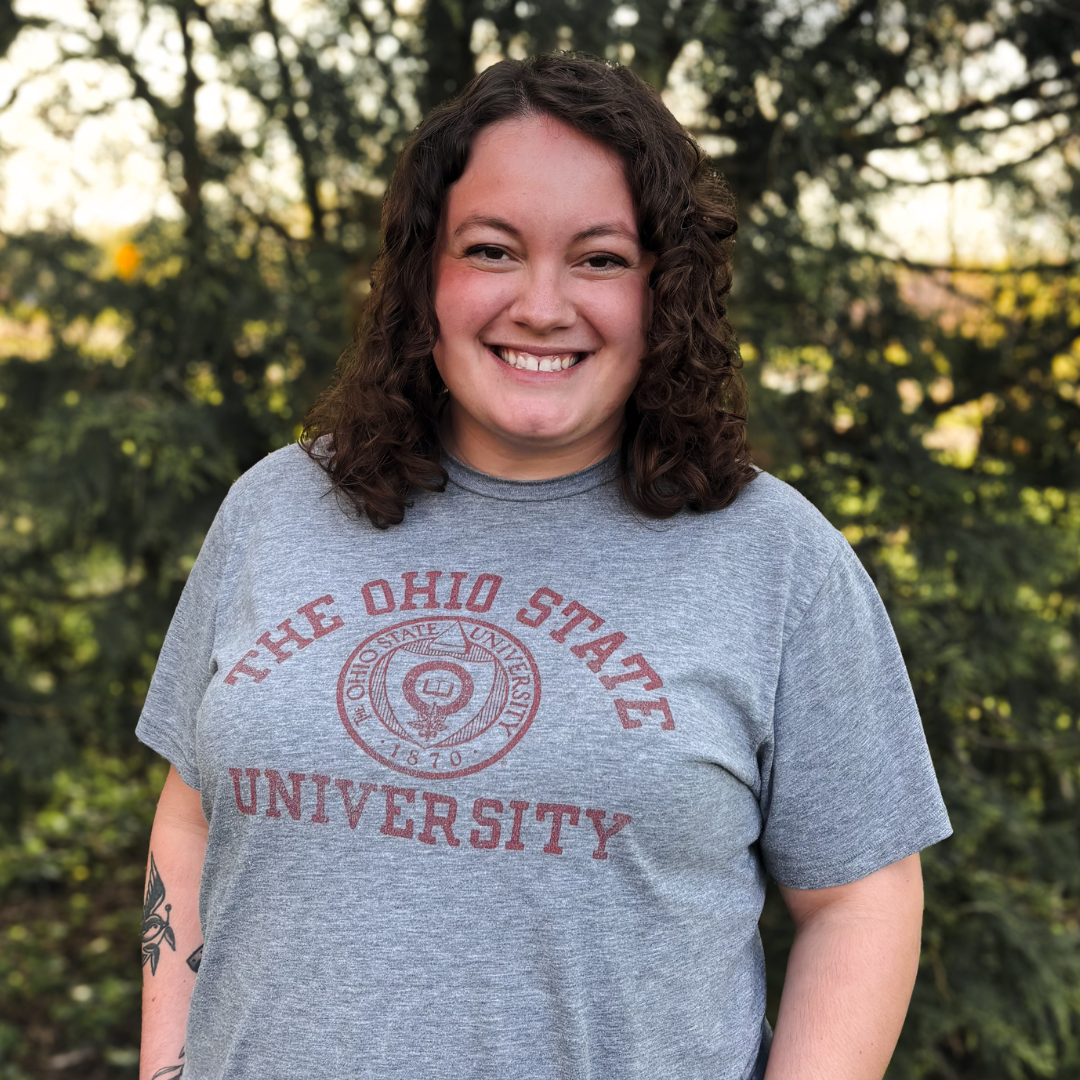
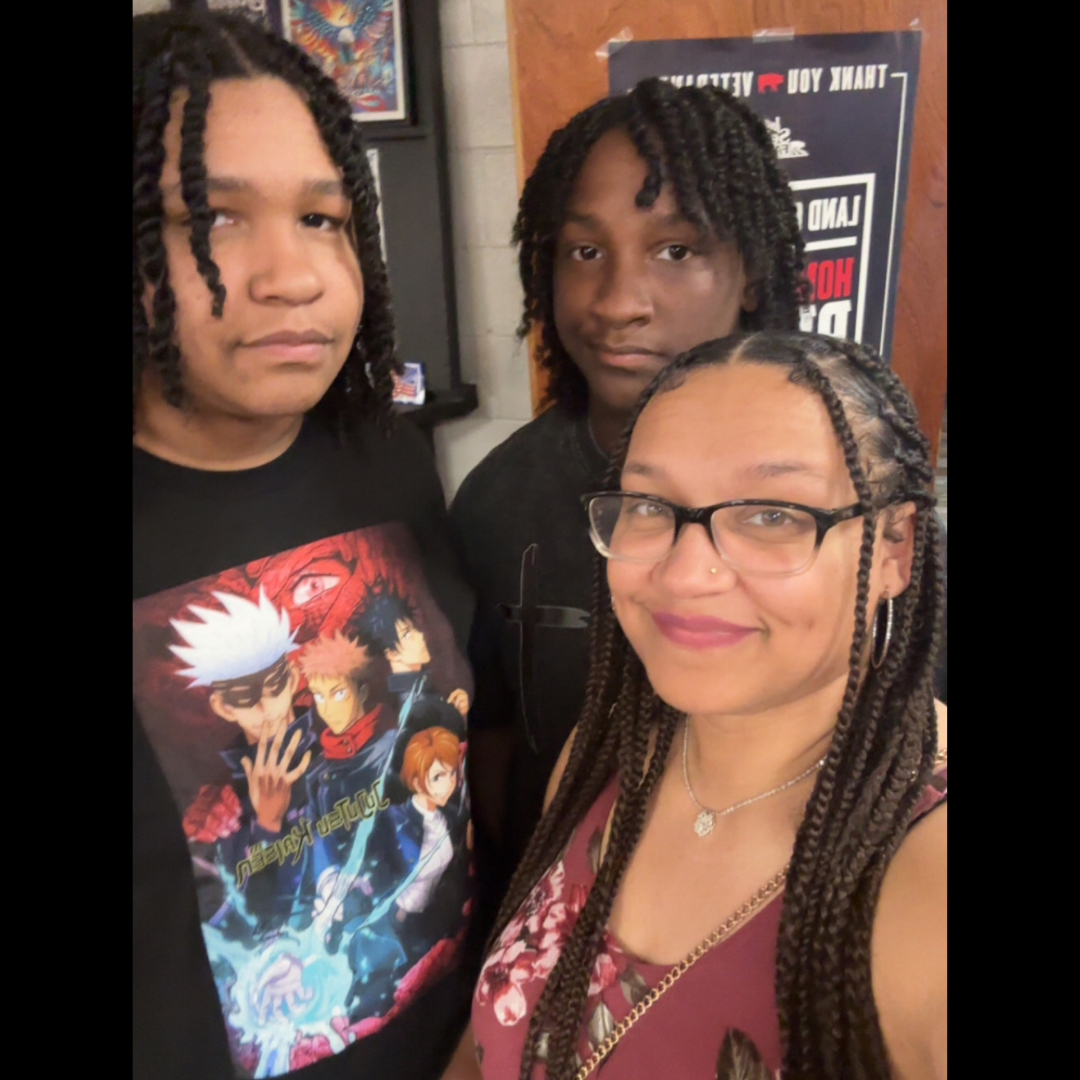
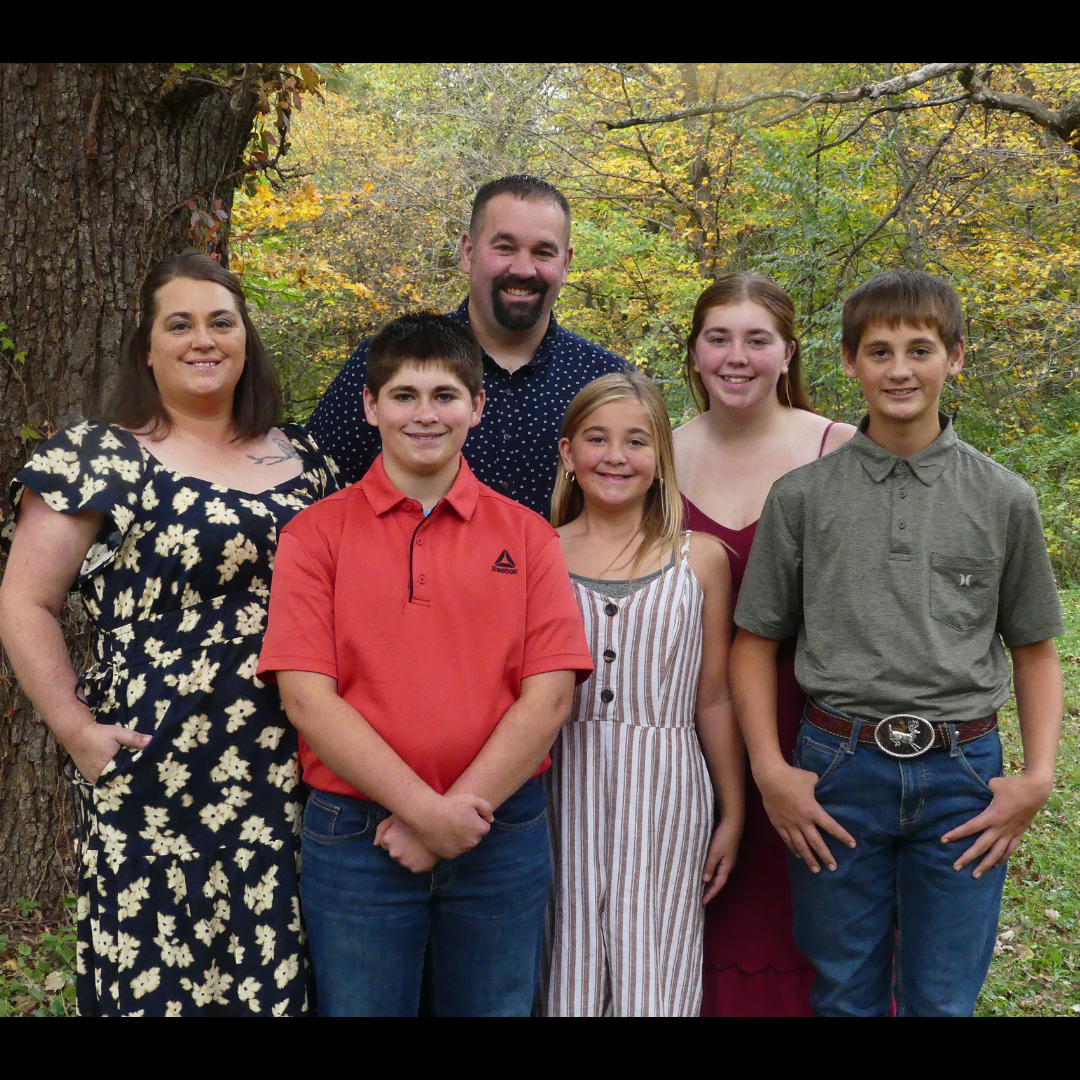
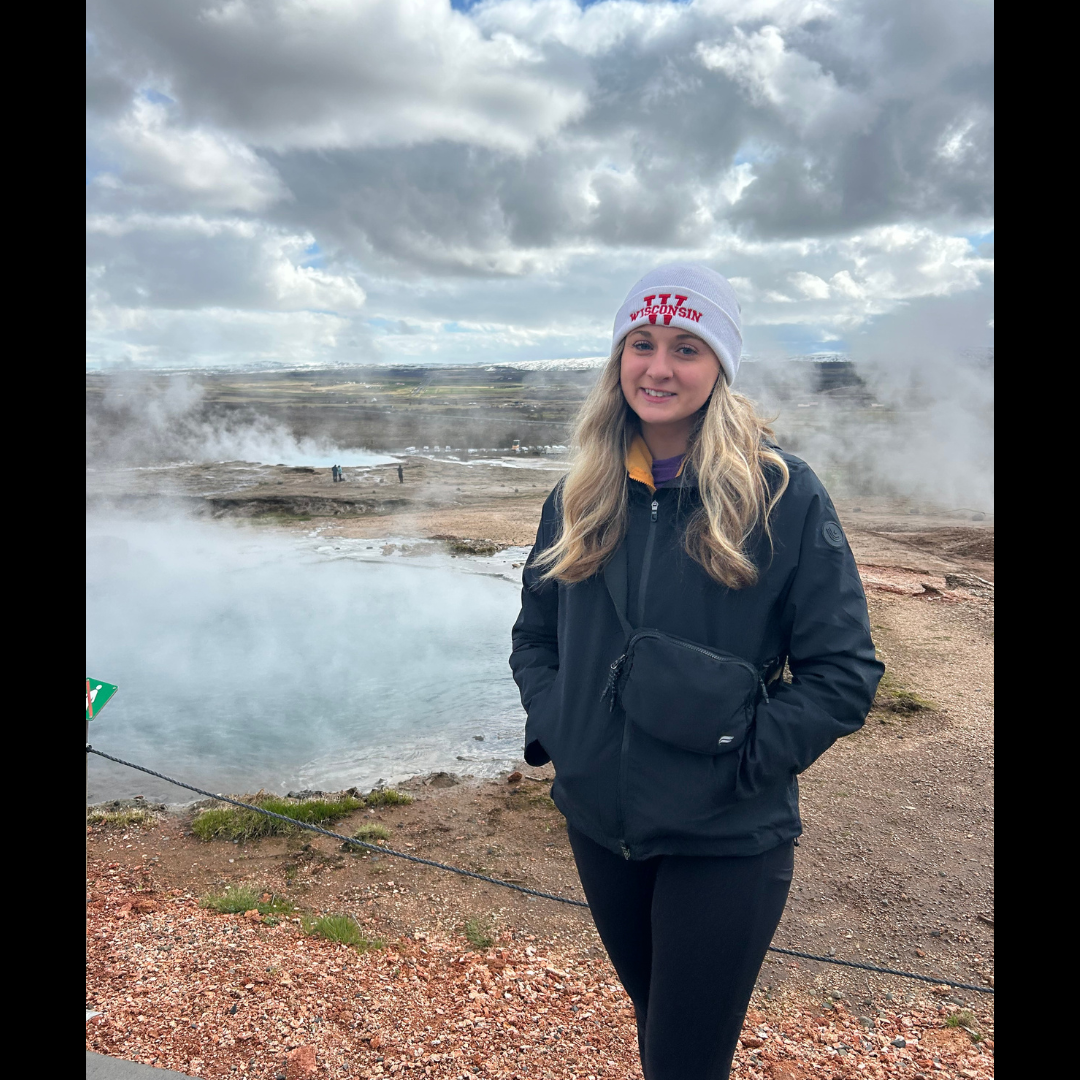
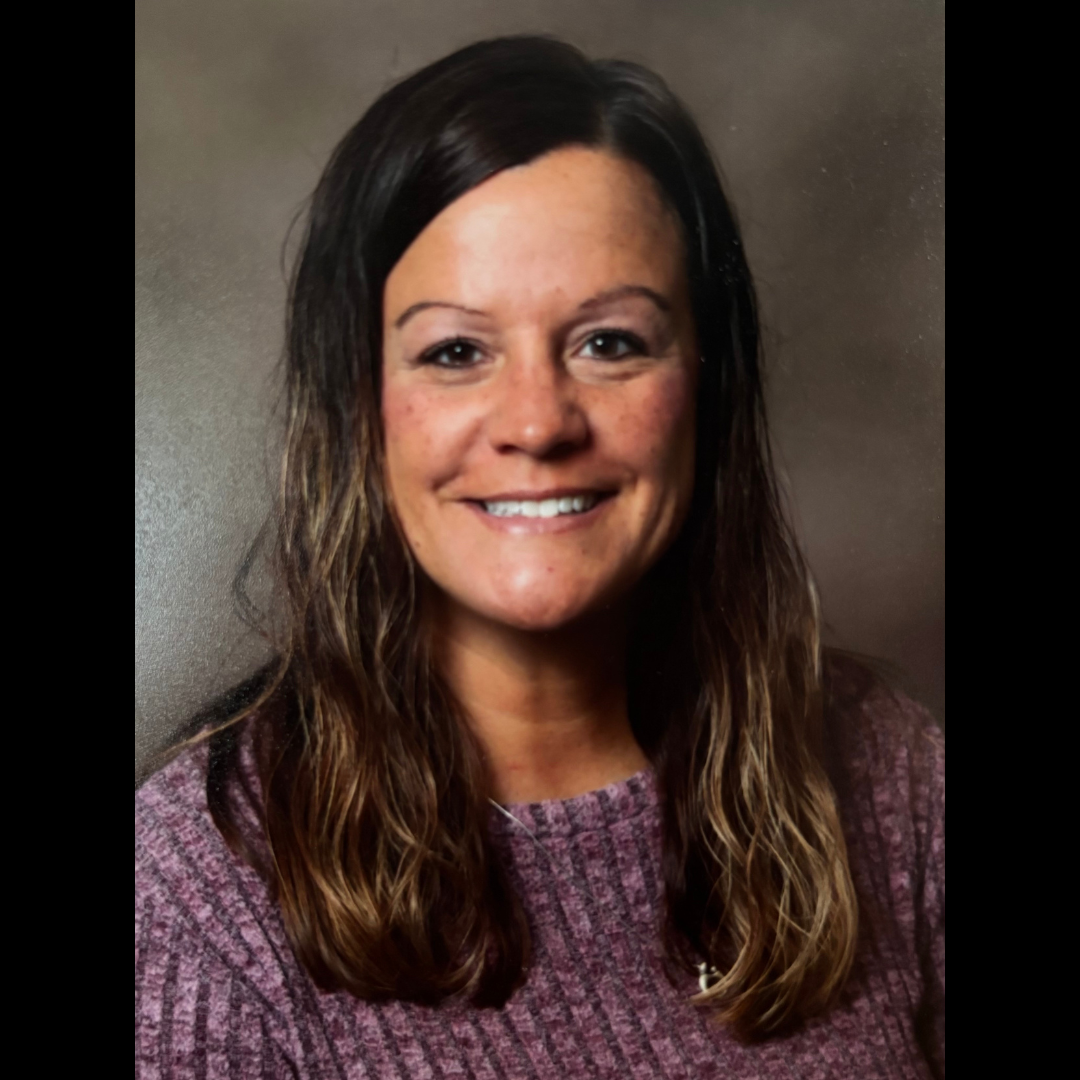
  • Welcome aboard: meet the newest Central Rivers AEA team members

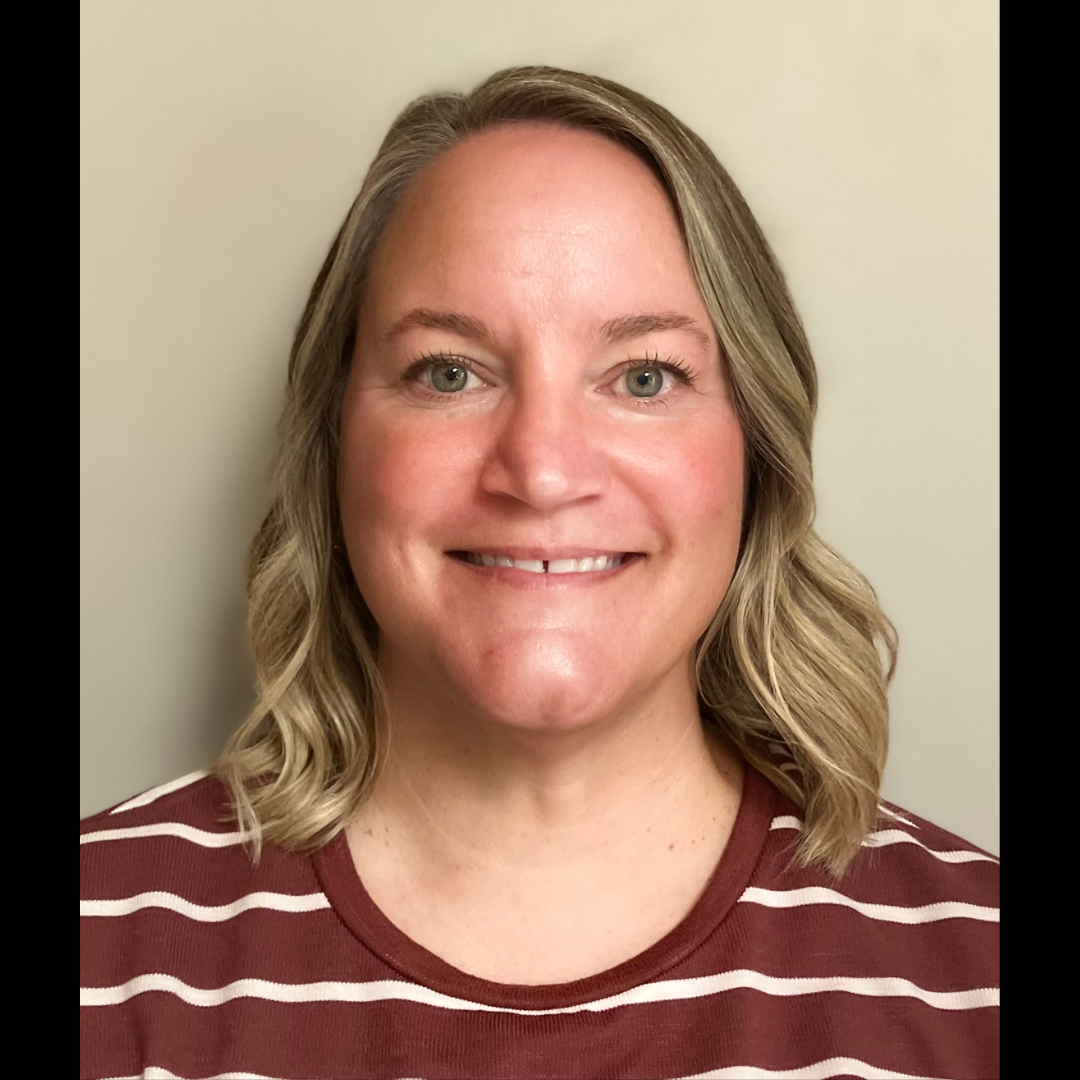
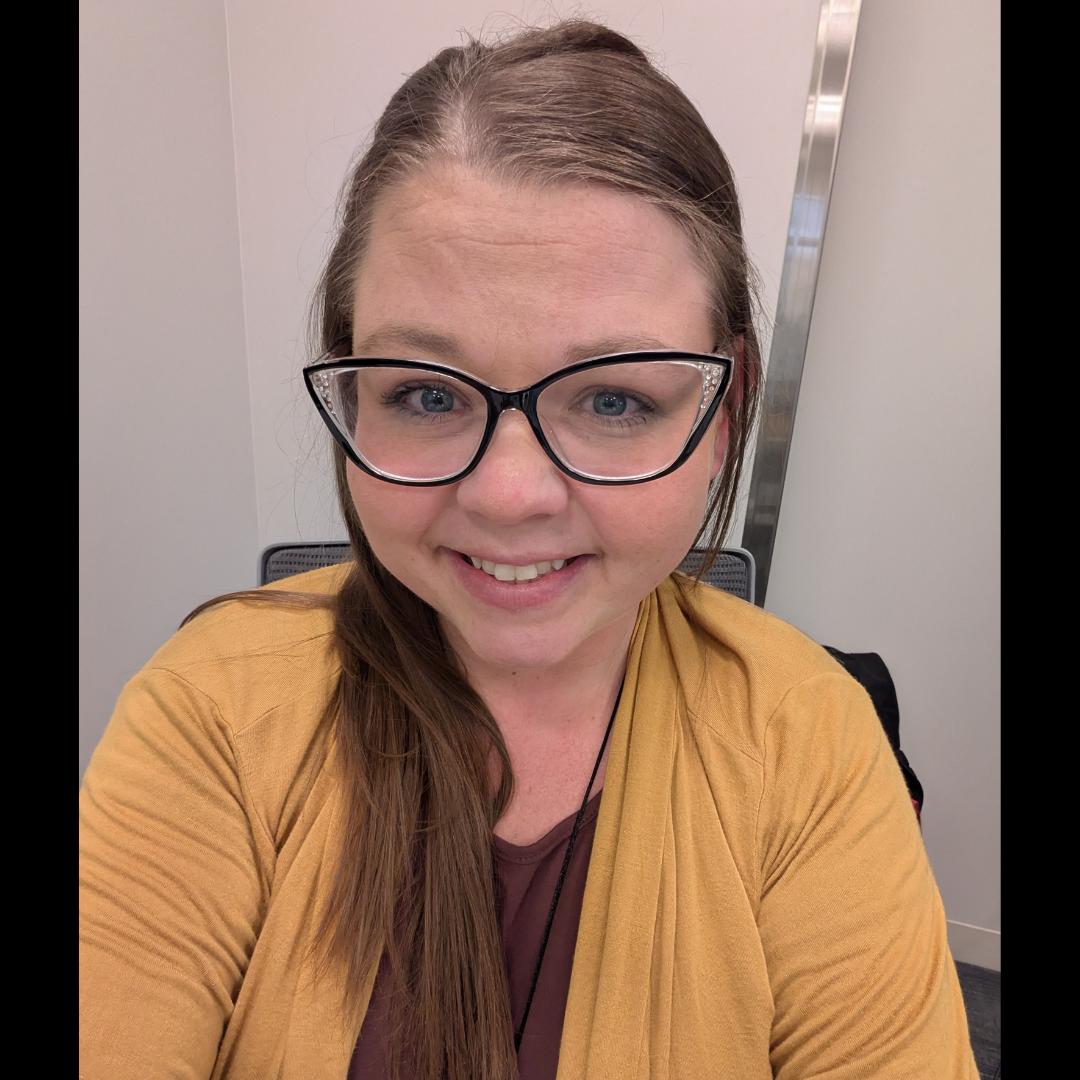
    We would like to welcome incoming staff for the 2026-27 school year. We are so excited you’re joining our Central Rivers AEA team!

  • New agency norm: turning off AI note-takers & recording bots

    Central Rivers AEA is asking all staff to turn off AI note-taking tools (like the native Zoom note-taker feature, Otter.ai, Fireflies and Read.ai) during agency meetings and professional learning sessions.

    Why We’re Making This Change

    • Intellectual Property: Presenter materials and ideas shouldn’t be captured or re-used by outside AI tools without permission.
    • Privacy: Discussions often involve sensitive details about students, families, and districts that shouldn’t be stored on third-party servers.
    • Psychological Safety: We want everyone to speak candidly and ask questions without fear of being recorded.

    A reminder statement has been added to agency Zoom invites.

    Please note that this guidance does not apply to parents who may activate AI tools during an IEP meeting. Iowa is a one-party consent state (Iowa Code § 808B.2). A parent participating in an IEP meeting may legally record it — including using an AI notetaking tool — without asking AEA staff permission. AEA staff cannot legally prohibit this. Please refer to earlier guidance for details.

    How to Remove a Bot During a Meeting

    If an AI bot joins your Zoom call, host controls allow you to remove it:

    1. Click Participants on your Zoom toolbar.
    2. Find the bot (e.g., “Otter.ai Notetaker”).
    3. Hover over its name, click More, and select Remove.

    Tip: Enabling the Waiting Room feature helps you spot and block bots before they enter.

    If you are the meeting host, you may also want to enable Waiting Room or require host approval for participants joining by video/audio-only link, which gives you a chance to screen for note-taking bots before they enter. Questions? Contact the Central Rivers AEA Help Desk for support.

    Note: These removal steps reflect Zoom’s current host controls. If your Zoom interface differs, look for “Remove” under the participant’s more-options menu, as Zoom periodically updates its User Interface.

  • Artificial Intelligence (AI): What’s new from Google

    Over the summer, Google shipped a steady stream of Gemini updates across the Workspace apps we use every day. None of them are separate tools to learn. Each one is built into a familiar app and does one specific job, such as summarizing the comments on a shared document or building a quiz from a PDF. This issue rounds up the updates that are included in our Google Workspace for Education Plus license and are most useful for our work. Two name changes worth knowing first: NotebookLM is now called Gemini Notebook, and the early-access program formerly called Gemini Alpha is now Gemini Beta.

    How do you use it?

    Each feature below lives in the app named, usually behind the Gemini icon (the sparkle) in the side panel. Gemini features also require that smart features and personalization are turned on for your account. Pick the one or two that match a task you already do this week and try them there first.

    Docs: Let Gemini work through your comments

    Gemini can now read the comment threads on a document, summarize them, pull out what is still unresolved, draft replies, and suggest edits that address the feedback. Edits stay as suggestions until you approve them. You need edit access to the document.

    1. Open a Doc with comments and click the Gemini icon in the side panel, or use the prompt bar at the bottom of the page.
    2. Ask something like “summarize the open comments” or “rewrite the introduction to address Maria’s feedback.”
    3. Review the summary or suggested edits, then accept, adjust, or discard them.

    Docs: Generate and edit visuals

    Ask Gemini to create a diagram, infographic, or image that fits the content of your document, or describe a change to an image that is already there. This works on the web only.

    1. In an open Doc, click the Gemini icon in the side panel or use the bottom prompt bar.
    2. Describe the visual, such as “add a diagram summarizing the three tiers of support at the top of this doc.”
    3. To change an existing visual, select it and describe the edit, such as changing the aspect ratio or matching the document’s style.

    Forms: Build a quiz with Help me create

    Gemini generates a complete quiz, including correct answers and quiz settings, from a prompt and any Drive files you reference. Useful for knowledge checks after a training or for exit tickets.

    1. Open a new Form and choose Help me create.
    2. Describe the quiz and reference source files from Drive (a Doc, Slides, or a PDF).
    3. Preview the quiz, adjust question types or answers, and publish.

    Meet: Find your meeting files without the scavenger hunt

    Meet now files each meeting’s notes, transcript, and recording into a Google Meet folder in the host’s My Drive, with a subfolder per meeting. Attendees with access get shortcuts in their own Google Meet folder. Your old Meet Recordings folder moves inside and is renamed Legacy Meet Recordings. The redesigned Meet homepage on the web also gathers agendas, attachments, and past meeting files in one place.

    1. Open My Drive and look for the Google Meet folder, or open the shortcut in your own Google Meet folder if you were an attendee.
    2. Open the subfolder for the meeting (recurring meetings keep all their sessions together).
    3. Or go to meet.google.com and use the week and month navigators on the homepage to jump to a past meeting and its files.

    Quick tip: If you use the Gemini app (gemini.google.com) on a Mac, press and hold the Fn key to dictate into whatever window is open. Gemini transcribes your speech into clean text at the cursor, drops the filler words, and honors mid-sentence corrections. For staff who think faster than they type, or who rely on speech input, this is one of the more useful accessibility additions of the summer.

    How does it help your work?

    • Saves time: Build a knowledge-check quiz from a handout in minutes, get a first-draft diagram without opening another tool, and let Gemini turn a wall of comments into a short list of what still needs a decision.
    • Keeps you focused: Comment summaries in Docs and the new Meet folder structure cut down on the hunting and scrolling that pulls you away from the actual work.
    • Improves accessibility: Voice dictation, AI-generated first drafts that reduce the blank-page barrier, diagrams that give visual learners another way into a dense document, and one predictable place to find meeting transcripts all lower the effort it takes to participate, whether you use assistive technology or not. Consider these tools alongside the SETT framework when you support a student or colleague who needs a different way to produce or consume information.

    Keep in mind

    Remember that AI is a helper, not a replacement for your judgment. Review every draft, summary, quiz answer, and formula fix before you rely on it or share it. Do not paste identifiable student information into prompts unless the tool is covered by our data agreements. Features roll out gradually, so if you do not see one of these yet, check back in a couple of weeks. You may also read about other new Gemini features this summer, such as full deck generation in Slides, the formula fixer in Sheets, custom edits in Gmail’s Help me write, Ask Gemini in Chat, and slide screenshots in Meet notes. These are not part of our Education Plus license, so you will not see them in your account.

    For more information or questions, reach out to Dr. Tiffanie Zaugg, Assistive Technology/AI Specialist.
  • INspired Leadership support will continue

    Central Rivers AEA wellbeing team logo

    All staff are invited to take advantage of 1:1 core energy leadership coaching sessions with Certified Professional Coach, Dr. Leslie Moore, via Zoom. Sessions are designed to enhance your well-being, life satisfaction and assist you in meeting your personal and professional goals. Just book one day in advance – slots are for 60 minutes and can occur anytime between 7:30 am and 4:30 pm on Tuesdays or Thursdays. Book your coaching time now at this link. Sessions are available starting September 8. If you have questions, contact Leslie at lmoore@centralriversaea.org.

  • Labor Day office closure reminder

    All CRAEA offices are closed on Monday, September 7 in observance of Labor Day.

    All Central Rivers AEA offices will be closed on Monday, September 7 in observance of Labor Day. Please update your voicemail and set an out-of-office email reply to let others know about the closure. All offices will reopen on Tuesday, September 8.

    Voicemail example:

    Hello, this is (your name and title). All Central Rivers AEA offices are closed on Monday, September 7. Please leave your name, number and a brief message and I will get back to you when offices reopen on Tuesday, September 8. Thank you!

    Email responder example:

    Thank you for your email. All Central Rivers AEA offices are closed on Monday, September 7. I will respond to your email upon my return when offices reopen on Tuesday, September 8. Thank you.


    If you need help with either task, please contact the Help Desk at helpdesk@centralriversaea.org or 319-273-8231.

  • Details for the 2026 All Staff Kick Off Meeting are now available

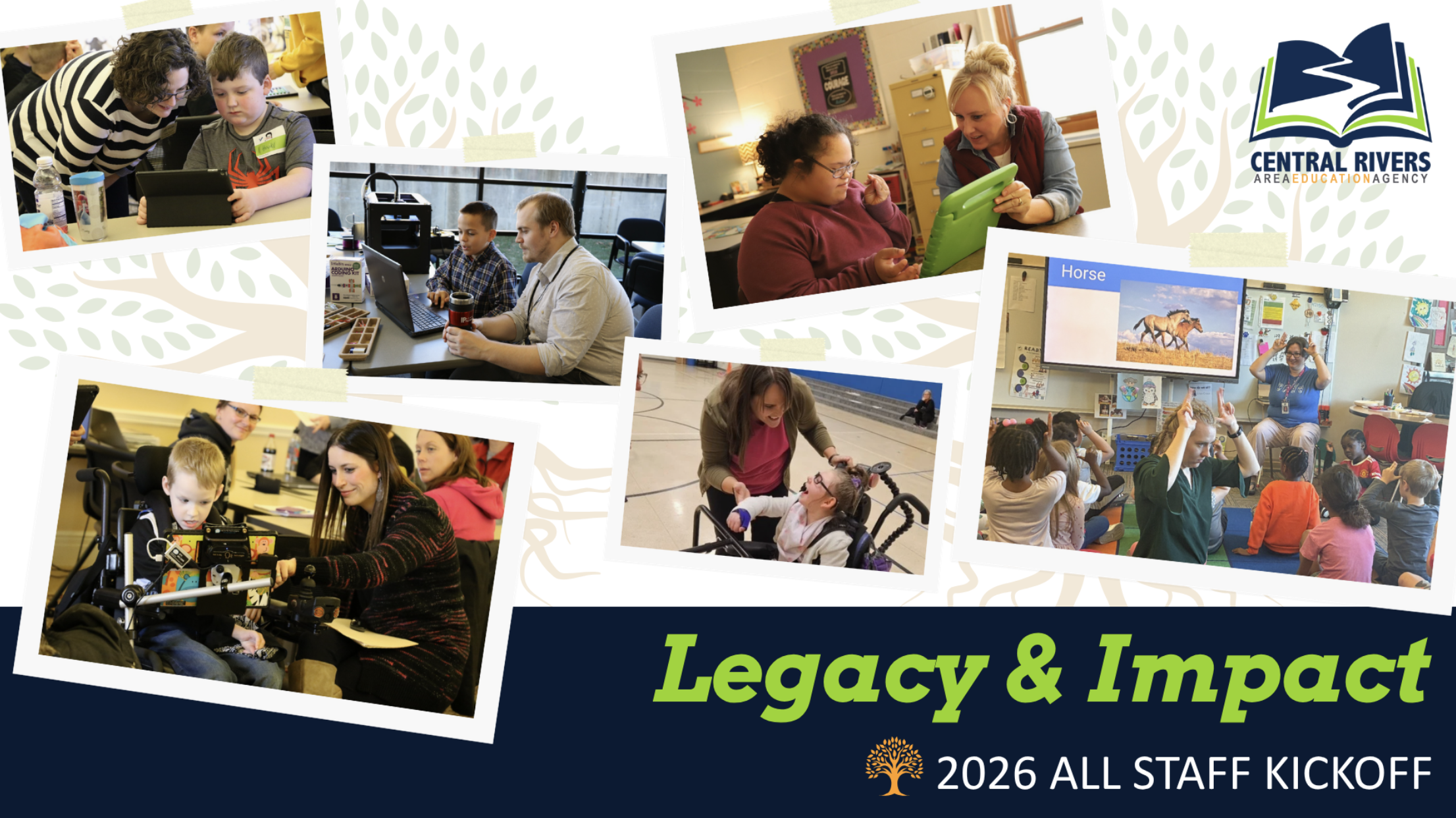
    Legacy & Impact - 2026 Central Rivers AEA All Staff Kickoff

    The 2026 All Staff Kickoff Meeting will be held at the Cedar Falls office beginning at 9:00 am on Wednesday, August 26. This year’s theme is Legacy & Impact. Impact is the immediate effect of your work right now – the teacher you coached yesterday, the family you supported this morning. Legacy is the long-term result of those daily efforts. It isn’t built overnight or created by policy changes; it grows over time through thousands of everyday human connections. Looking back at both our successes and our challenges will give us pride, perspective and a clear roadmap for where we are headed next!

    Schedule for the day

    • Social time: 8:30–9:00 am 
    • All Staff meeting, keynote speaker and service award recognition: 9:00–11:30 am
    • Sector and team meetings: 11:40 am–1:50 pm
    • Discipline and team meetings: 2:00–3:00 pm

    Lunch

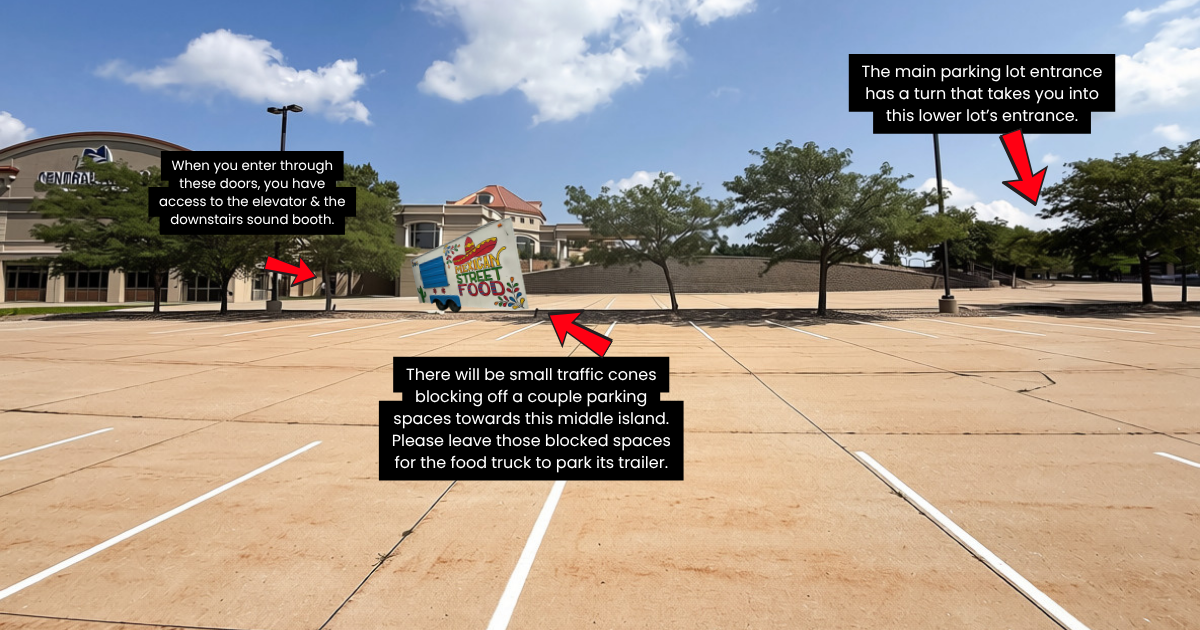
    Lunch will be staggered by team, with some groups starting earlier and others after 12:40 pm. Everyone will have a full hour for lunch, and your teams’ lunch time will be shared during the meeting. Tacos el Pariente will be parked in the lower west parking lot as one option for purchase. (The lower lot is accessed from the main entrance parking lot – this is where you enter the building to get to the elevator or sound booth downstairs). Staff are also free to leave campus and have lunch elsewhere if desired. Thanks for being flexible!

    2026 All Staff food truck parking
    The main parking lot entrance has a turn that takes you into this lower west lot’s entrance. There will be small traffic cones blocking off a couple parking spaces towards this middle island. Please leave those blocked spaces for the foot truck to park its trailer. When you enter through these west doors, you have access to the elevator and the downstairs sound booth.
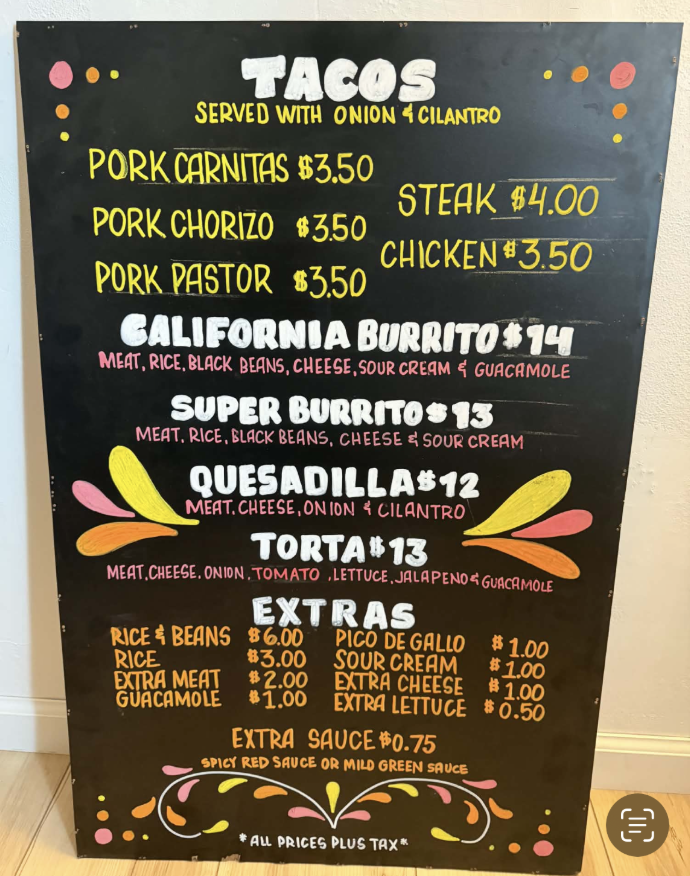
    Tacos el Pariente menu

    Other details

    Additional team-specific logistics will be provided the day of the meeting, including a quick links document that will feature important resources and links you will need. If you have questions, please reach out to your supervisor. We look forward to seeing everyone on August 26 and kicking off another great year at Central Rivers AEA!

  • Updated staff photos will available at the August 26 All-Staff Meeting

    With the new school year around the corner, several team members have asked for updated photos. To make it easy, we’ve set up a dedicated photo session during our upcoming All-Staff Kick Off Meeting on Wednesday, August 26. If you need a new photo, just swing by the downstairs studio in the Cedar Falls office anytime in the afternoon, after the morning meeting wraps up, starting at 12:30 pm. Contessa will be available in the studio all afternoon to take your picture. If you need a specific time slot, reach out to Contessa.

  • Reminder about required training for all staff

    As we enter the month of August, we wanted to send a reminder that all staff must complete the mandatory AEA-required trainings. Certified staff are allowed to use one of your 2026-2027 contract days to complete the trainings. Simply indicate on your Google calendar, “AEA Mandatory Training Day.”

    Once completed, staff are expected to submit their certificate of completion to the HR department using the hr@centralriversaea.org email address. If you have any questions, contact HR.

  • AEA Professional Learning registration is moving to one platform

    All Iowa AEAs are moving to one unified professional learning platform this September. The refreshed AEA Learning Online platform will serve as a single hub for all courses, trainings, certifications and authorizations, whether you take them online, virtually or face-to-face. You can continue registering through your local AEA, but all your professional learning will now live under one roof.

    Please note that August 31 is a key date related to registering for courses on this newly refreshed platform. Any sessions completed on or before August 31 will wrap up in the existing escWorks system, while any sessions ending after August 31 will be completed on the updated platform. If you have any questions along the way, please review the digital flyer, or contact Bradi Johnson, Educational Services Consultant or Hope Moore, Professional Learning Support Assistant. For general questions regarding the new system, please contact support@aealearningonline.org or call (515) 473-7164. The Central Rivers AEA Professional Learning Department is still here to support you and works closely with the new statewide system.

  • Does your email signature need to be updated?

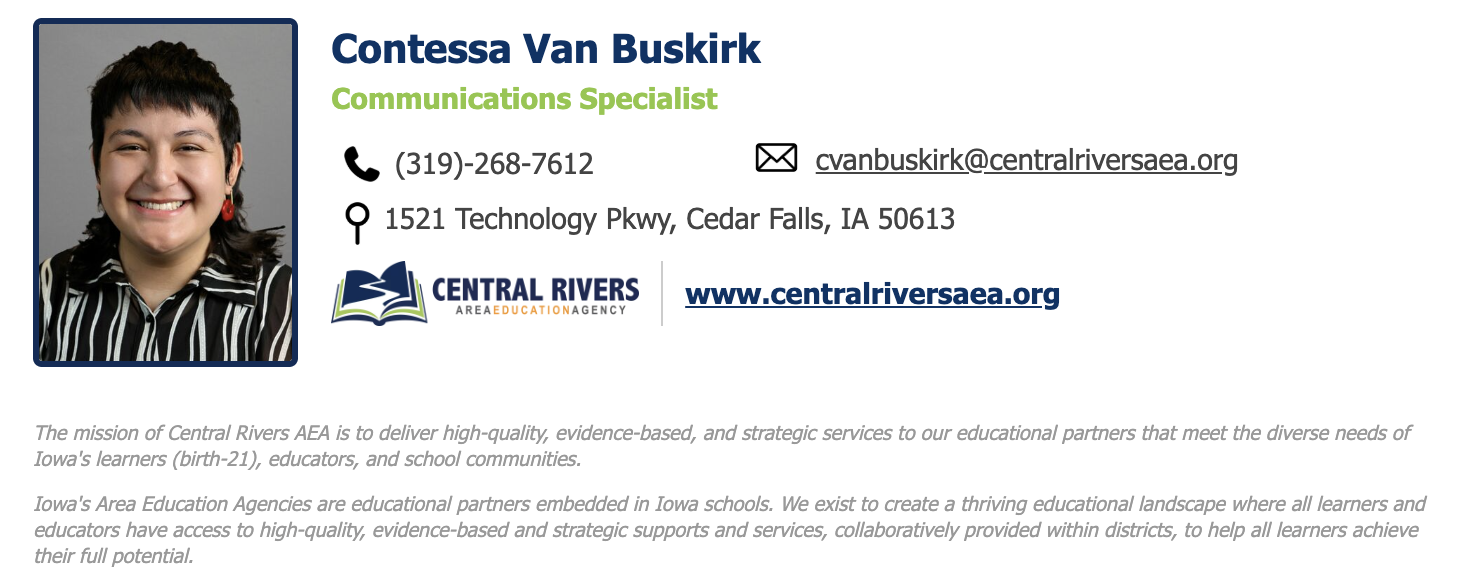
    Earlier this year, we launched new email signatures to ensure brand consistency and digital accessibility. Your signature details – including your photo, title, phone number and office location – are pulled directly from the staff directory. Please take a moment to check your directory listing. If anything is missing or incorrect, please contact your region’s administrative assistant. You will receive an automated email when your signature is updated. Once you get it, refresh your web browser to see the new signature. Here is an example of what the new email signatures look like:

    New email signature for Central Rivers AEA staff Google accounts.

    If you need help (such as removing your photo or adding credentials) please contact Contessa Van Buskirk or Phil Hendricks.

  • Meet our new Regional Administrators & Assistant RAs

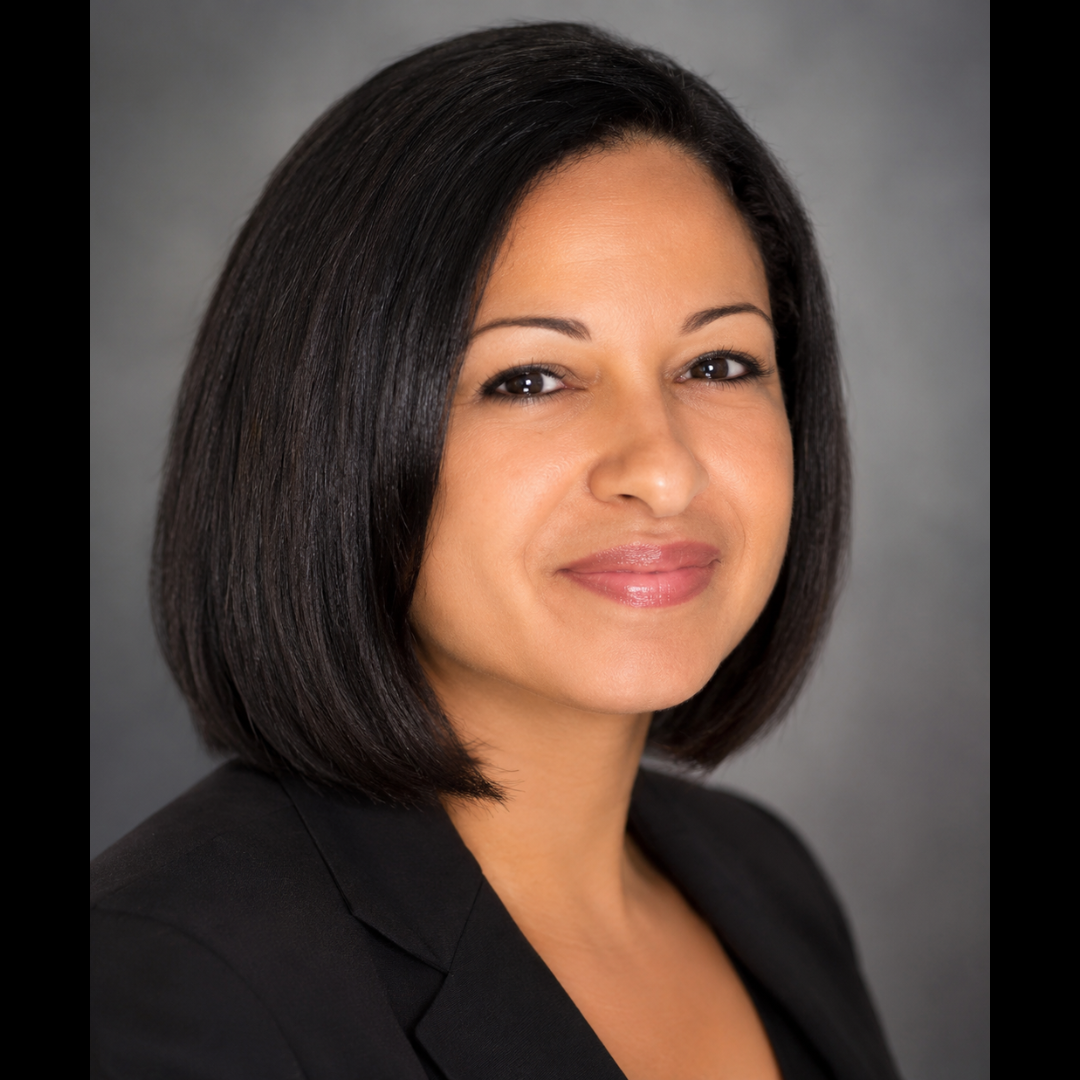
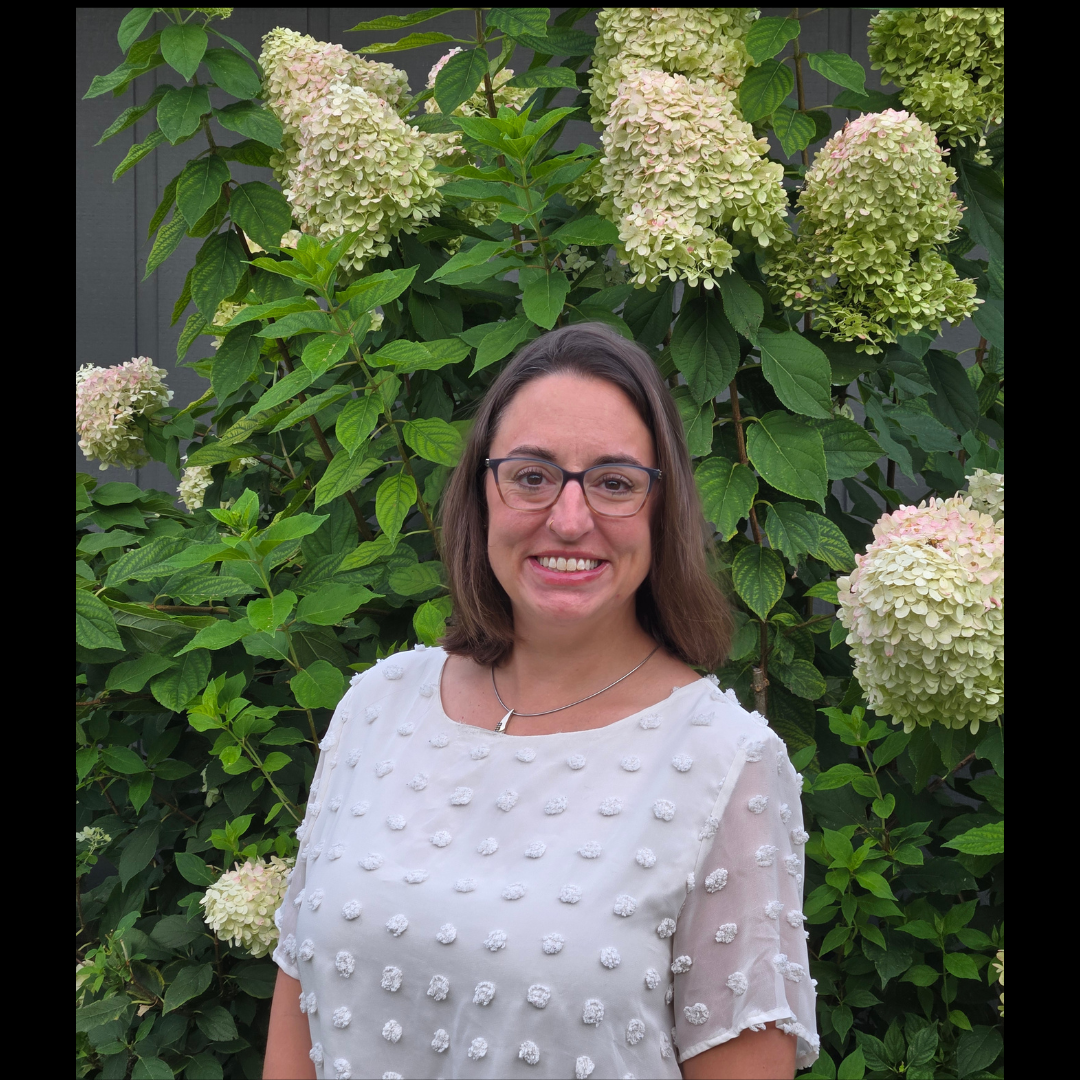
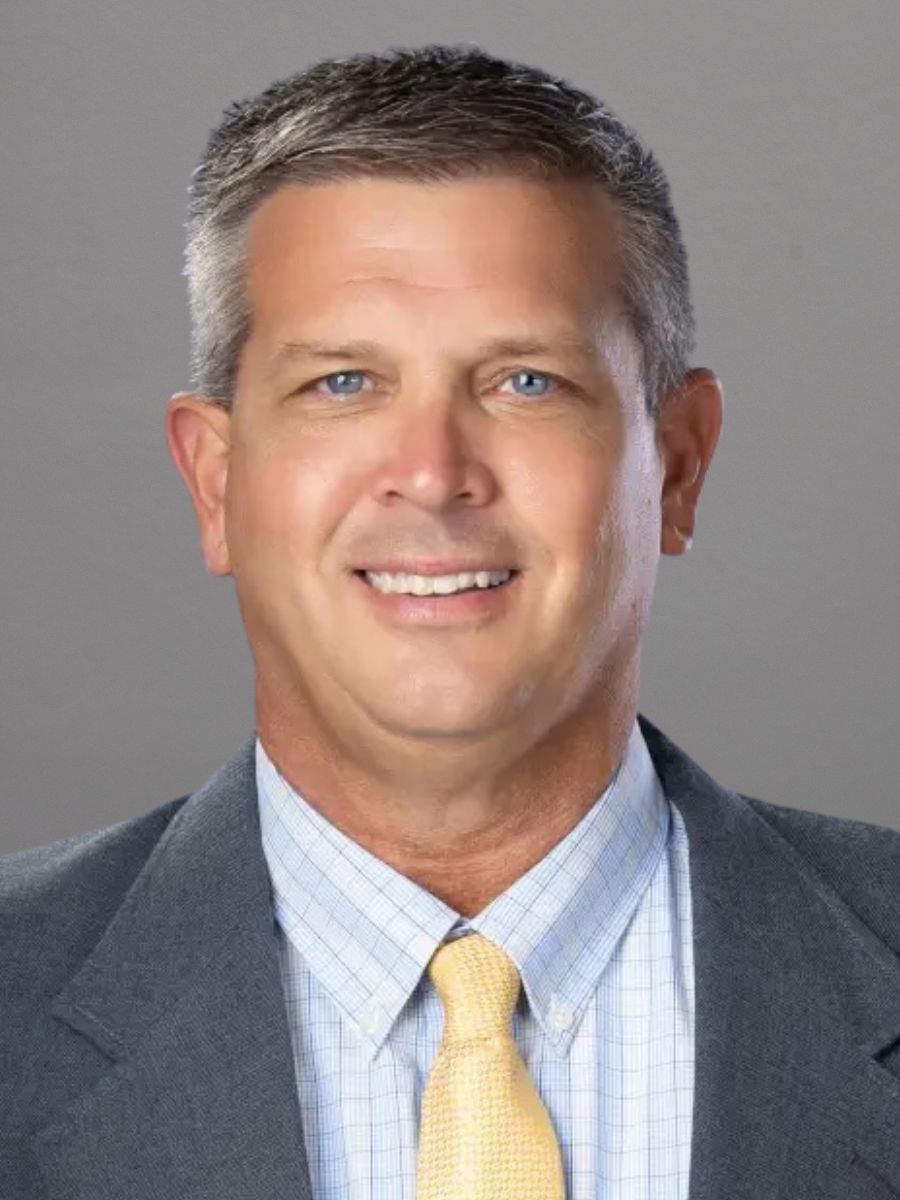
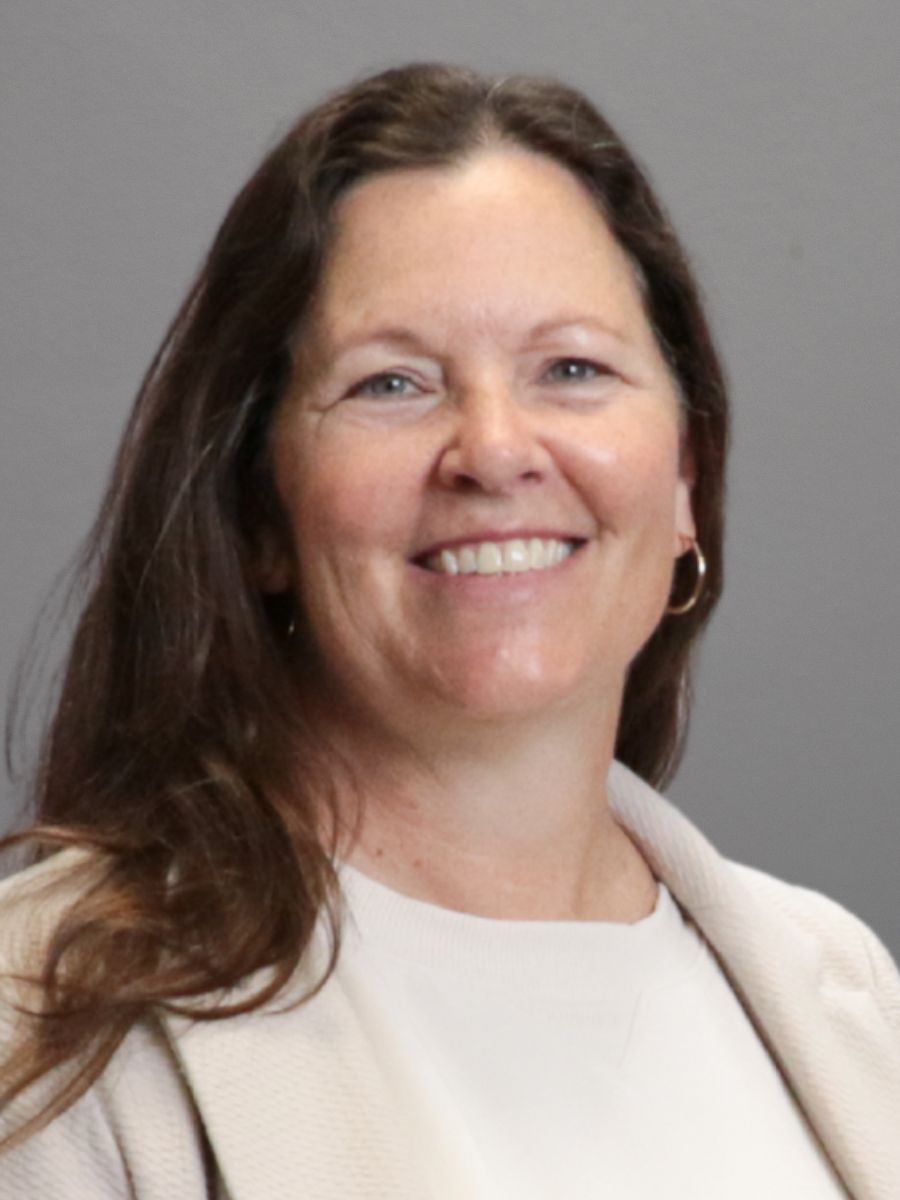
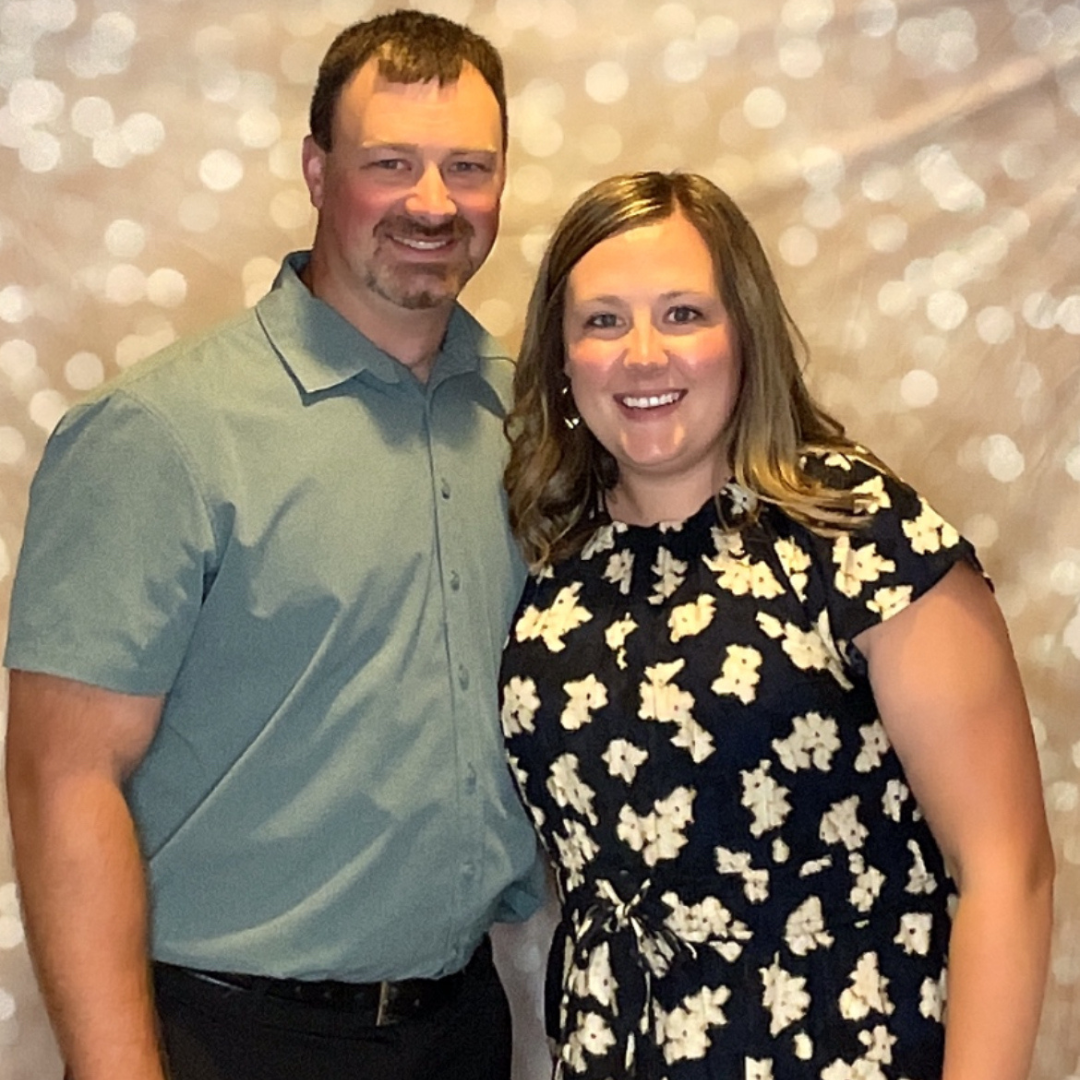
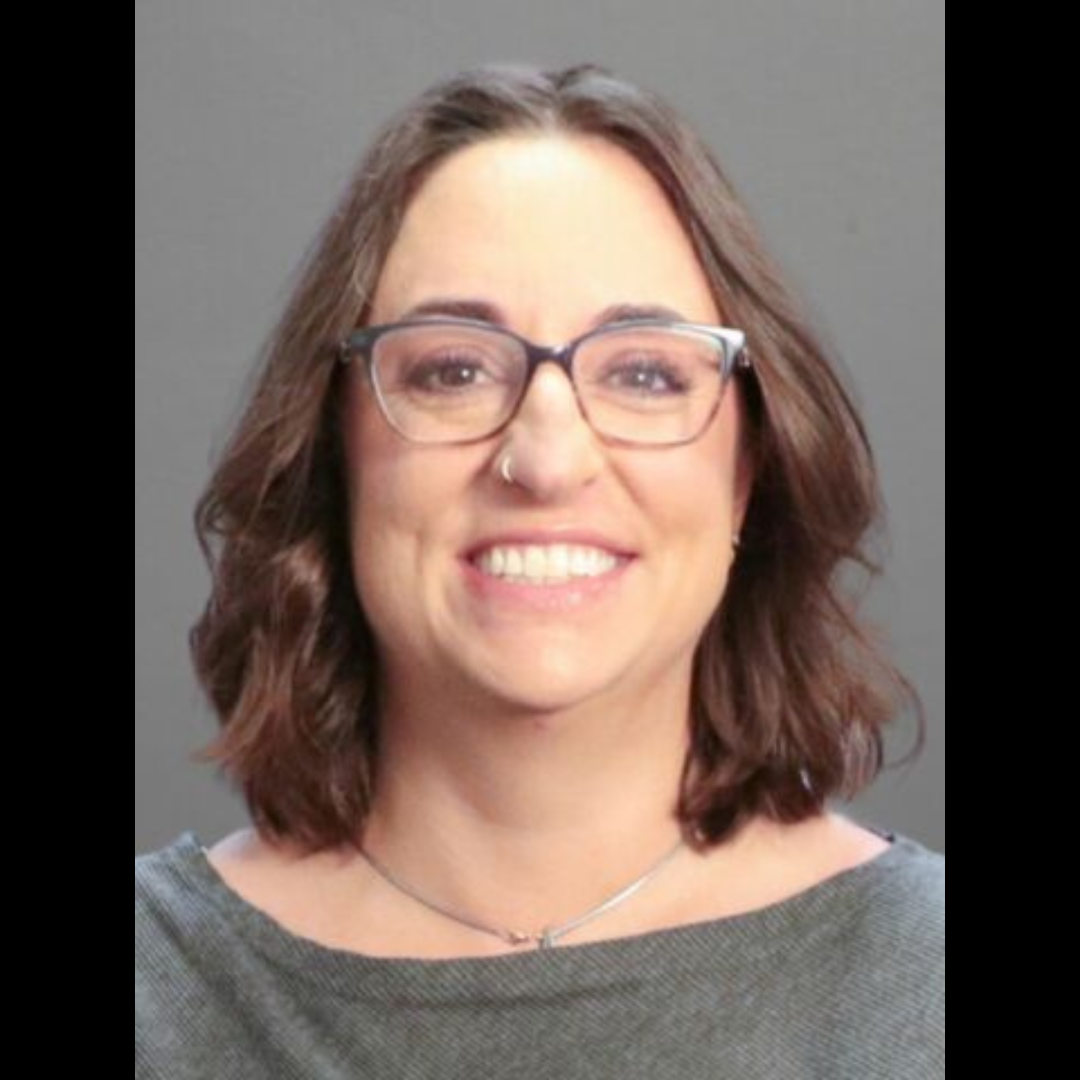
    We’re excited to welcome two outstanding leaders to our team at Central Rivers AEA: Lexie Denton, Regional Administrator for the Northeast Sector, and Marc Snavely, Regional Administrator for the South Sector.

    Lexie Denton, RA
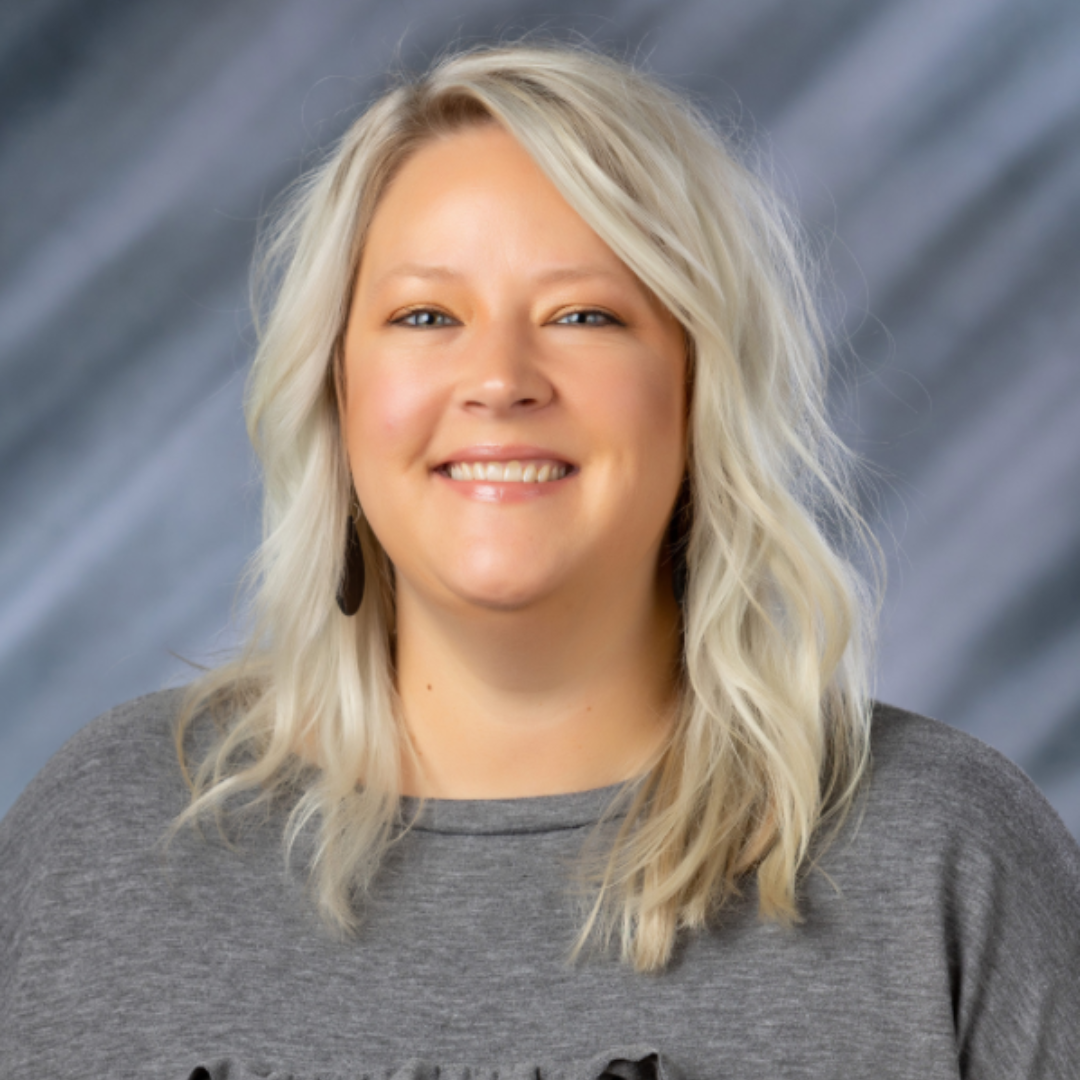
    Lexie Denton, NE Sector

    Lexie comes to the AEA from Des Moines where she served as a principal for the last four years. Prior to her role as a principal she was an assistant principal in DMPS for three years. She also spent time in Waterloo, early in her career, as an literacy instructional coach and elementary classroom teacher.

    Lexie earned her Bachelor’s Degree from the University of Northern Iowa, majoring in Elementary Education and Middle Level Education. She then received her Master’s in Education and Reading Endorsement from Morningside University and a second master’s in Educational Leadership from the University of Northern Iowa. Lexie and her husband Shonnie live in Elk Run Heights with their son, Kyler, and new baby girl, Layla. Lexie enjoys spending time with her family, watching sports – especially the Iowa State Cyclones, golfing and getting exercise.

    Marc Snavely, RA
    Marc Snavely, South Sector

    Marc joined Central Rivers AEA as a regional administrator in July of 2026. Before that, he was the shared superintendent at Colo-NESCO and Collins-Maxwell. Throughout his career in education, Marc was also a teacher/coach, activities director, AEA school improvement facilitator, elementary principal and secondary principal.

    Marc earned his Bachelor’s Degree from Buena Vista University, majoring in Elementary Education. He  received his Master’s Degree, PK-12 Principal, and his ASC Superintendency Certification from the University of Northern Iowa. Marc holds endorsements in reading and driver’s education. 

    Marc and his wife Kelly live in rural Colo with their son, Max. They also have a daughter, Kerrington and her husband Jacob, who live in Cedar Rapids. Marc enjoys spending time with his family doing various outdoor activities. This includes camping, boating, fishing, biking and going on Jeep excursions.

    Assistant RAs

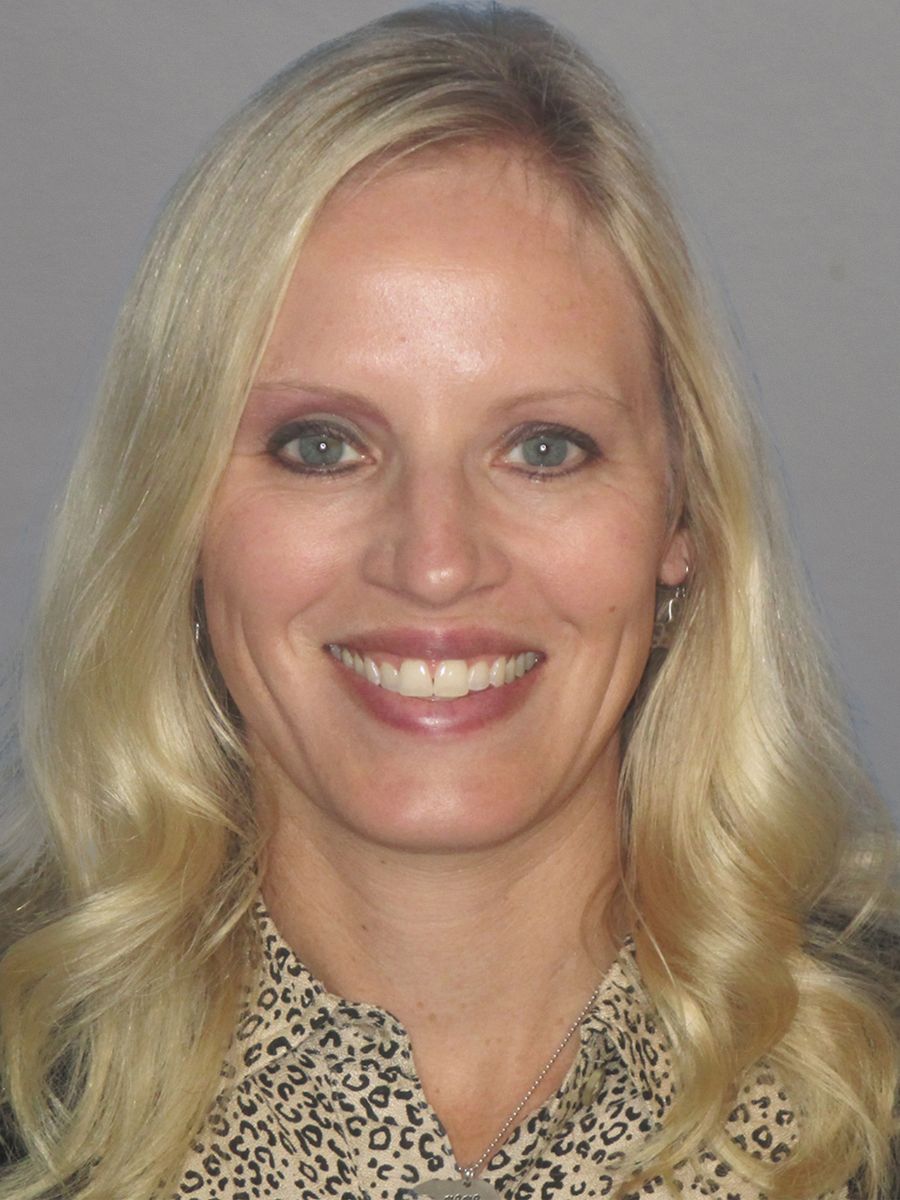
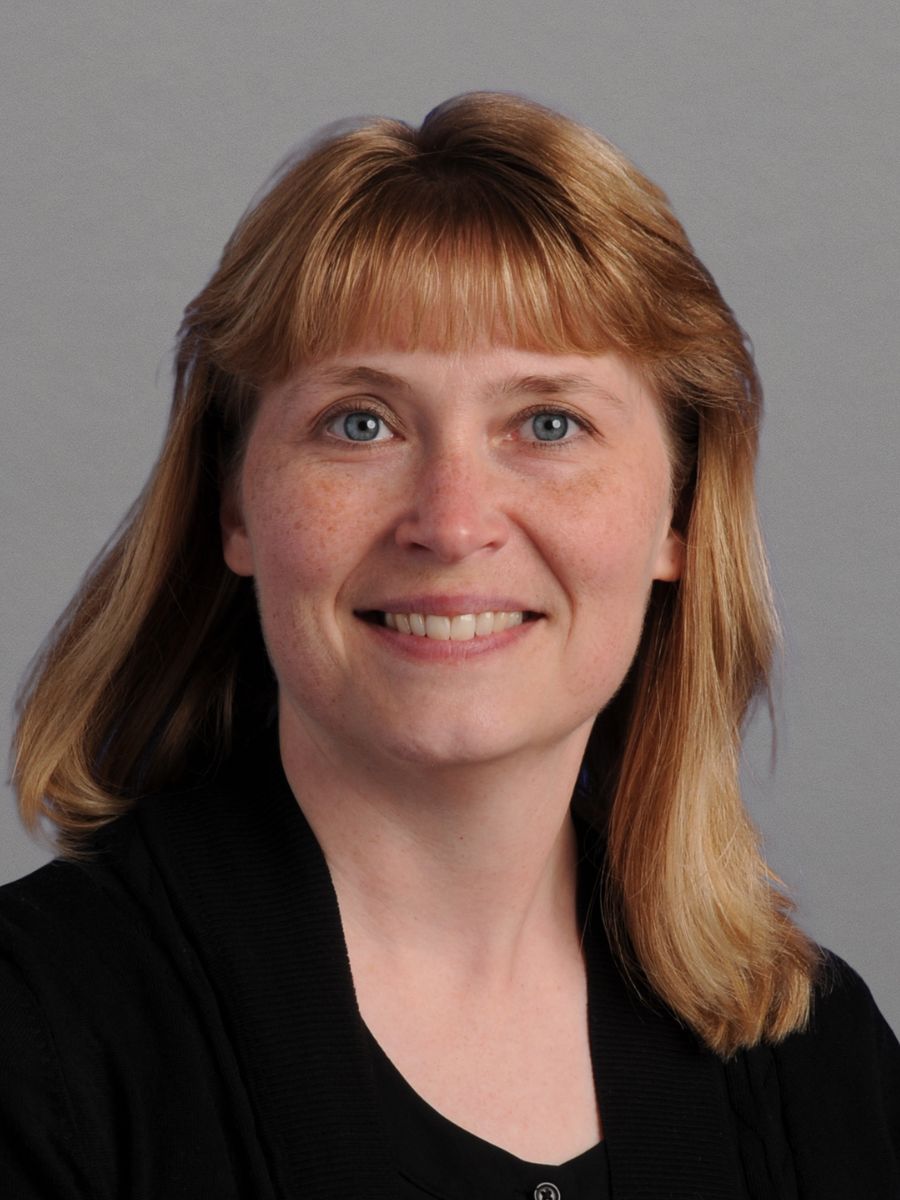
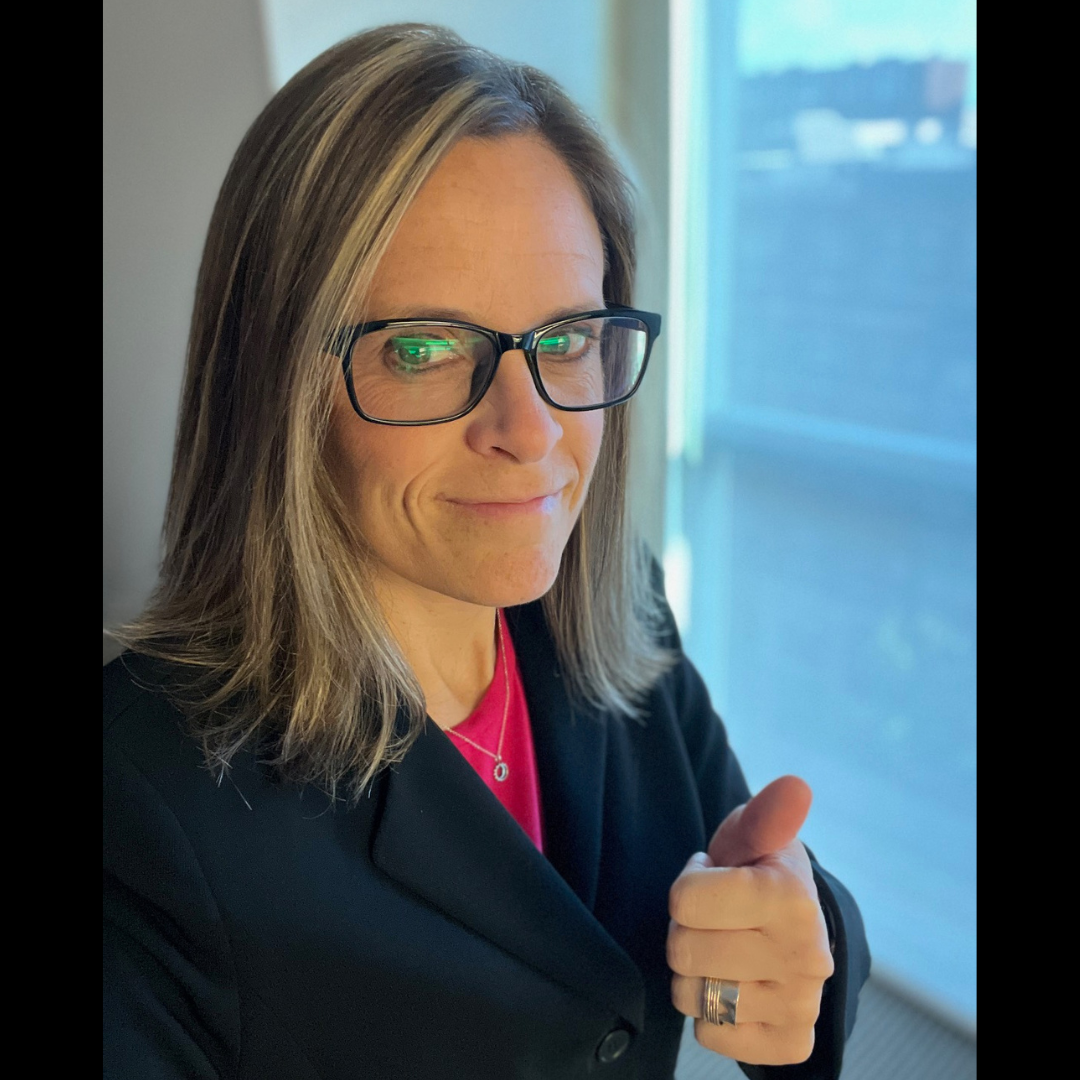
    We also want to congratulate Jennifer Seward, Melannie Trees, Kari Christenson and Liz Donnelly, who will serve as part-time Assistant Regional Administrators for the 2026-27 school year!

    Jennifer Seward, Assistant Regional Administrator/Speech-Language Pathologist
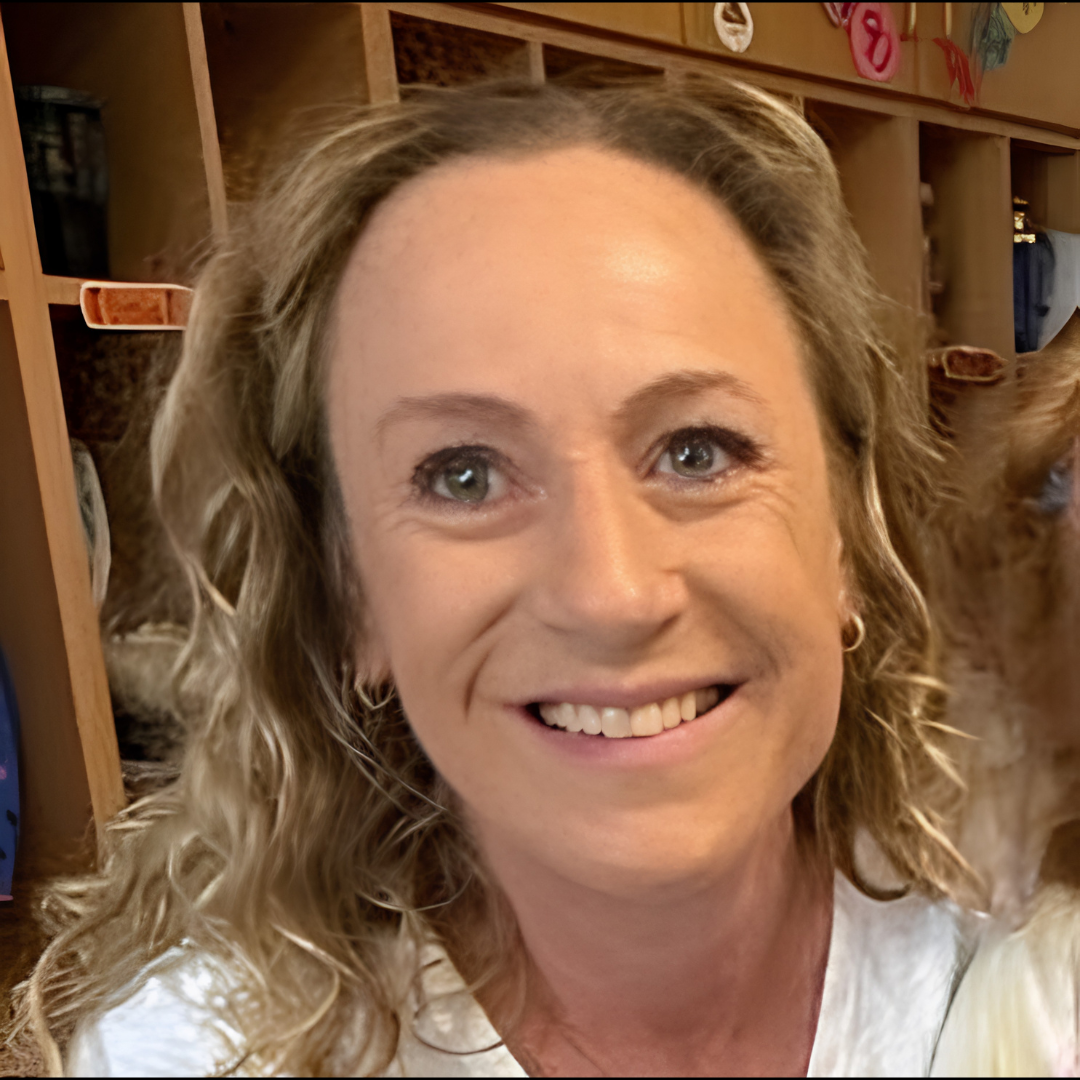
    Jennifer Seward (East Sector)

    Jennifer has been a speech-language pathologist with Central Rivers AEA since 2006. Jennifer has served as a related service provider in several school districts and as a specialist in initial evaluations. Jennifer has been in a speech-language leadership role since 2017.

    Jennifer earned a Bachelor’s Degree from the University of Iowa, majoring in Psychology. She then earned a Bachelor’s in Communicative Disorders, an education endorsement, and a Master’s Degree in Speech Pathology from the University of Northern Iowa. She then completed her PK-12 Principal/Supervisor of Special Education certification through Viterbo University. Jennifer and her husband, Matt, live in Waverly. She enjoys spending time with her 4 adult children and their families, hiking and camping in the mountains, reading books, gardening and riding her bike.

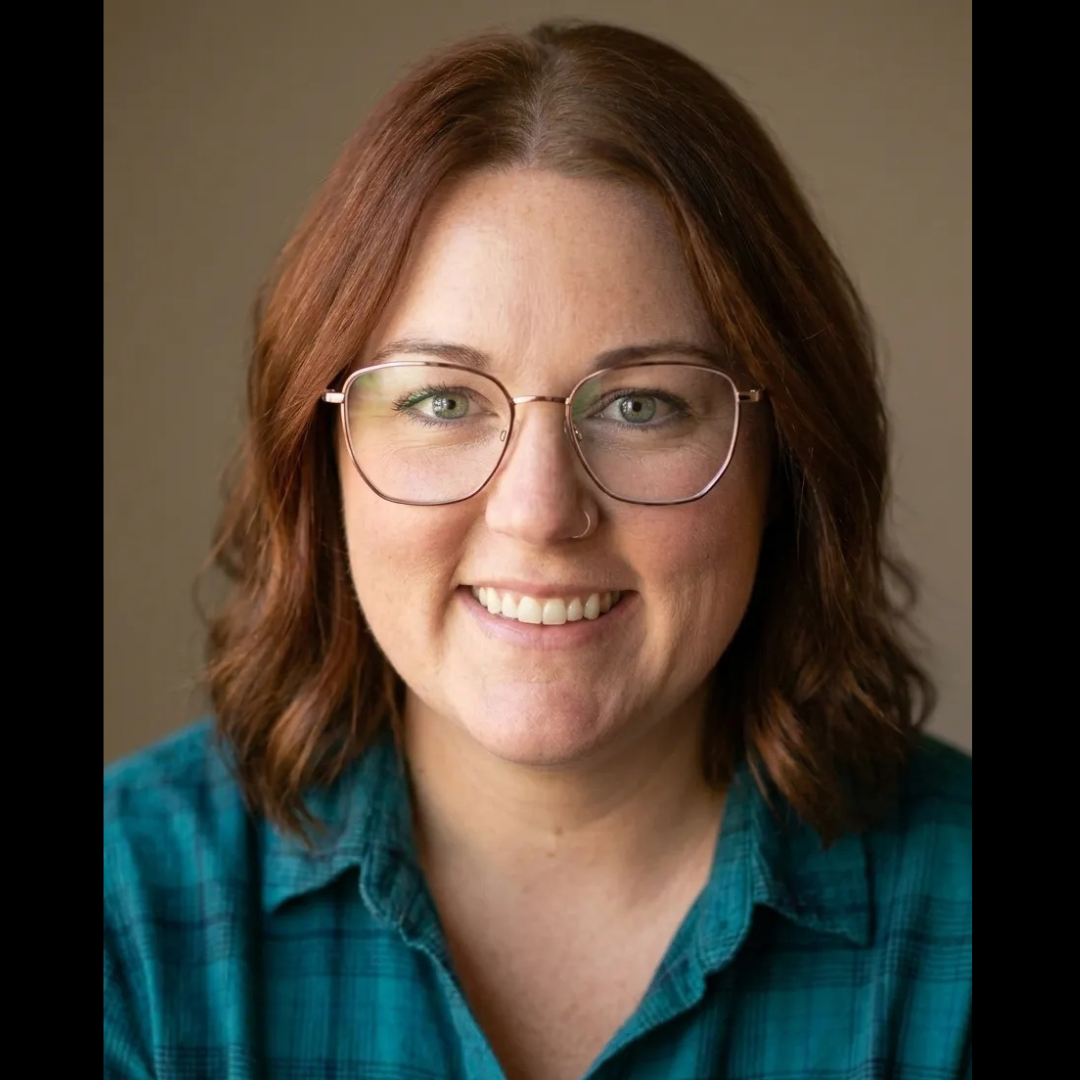
    Melannie Trees, .5 Asst. Regional Administrator
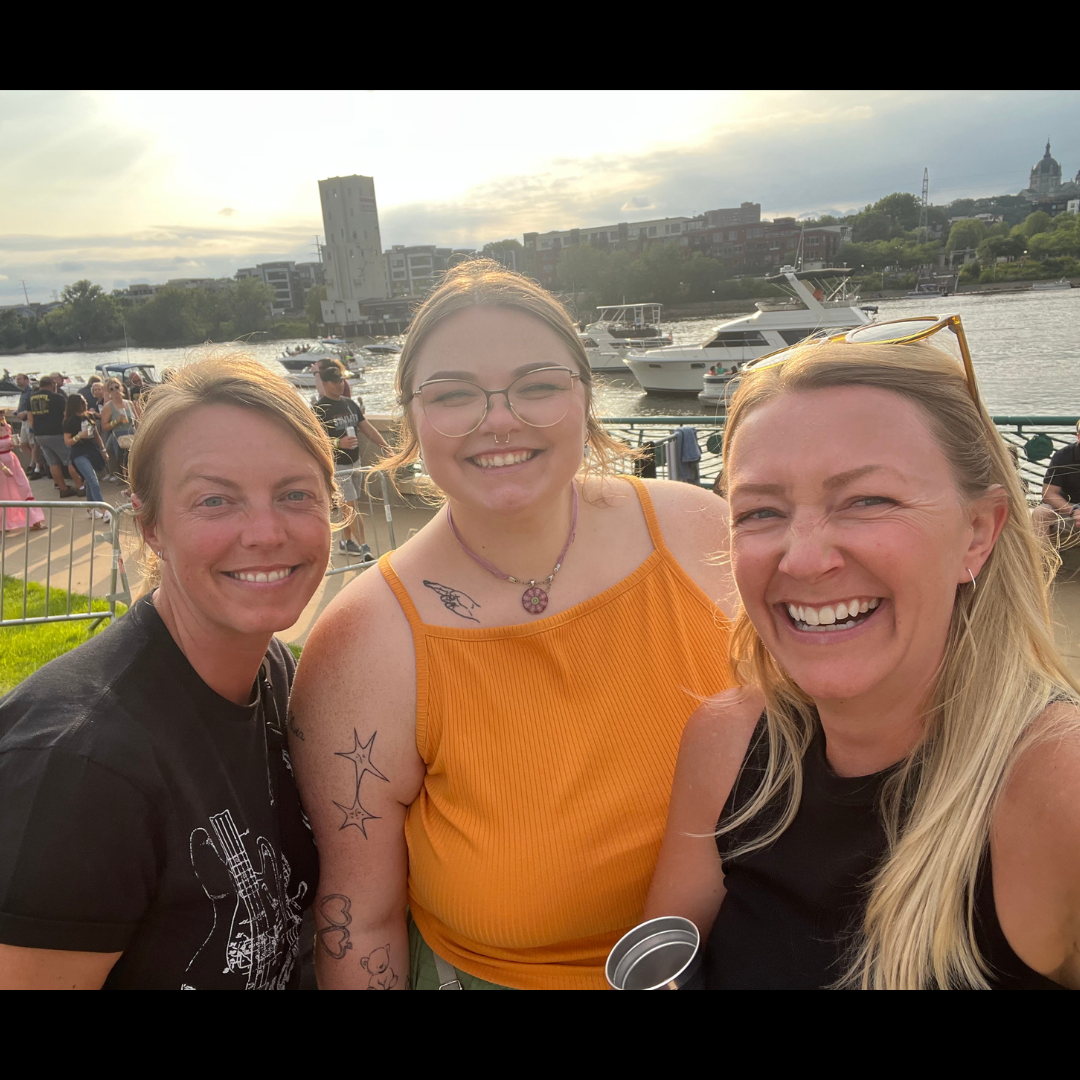
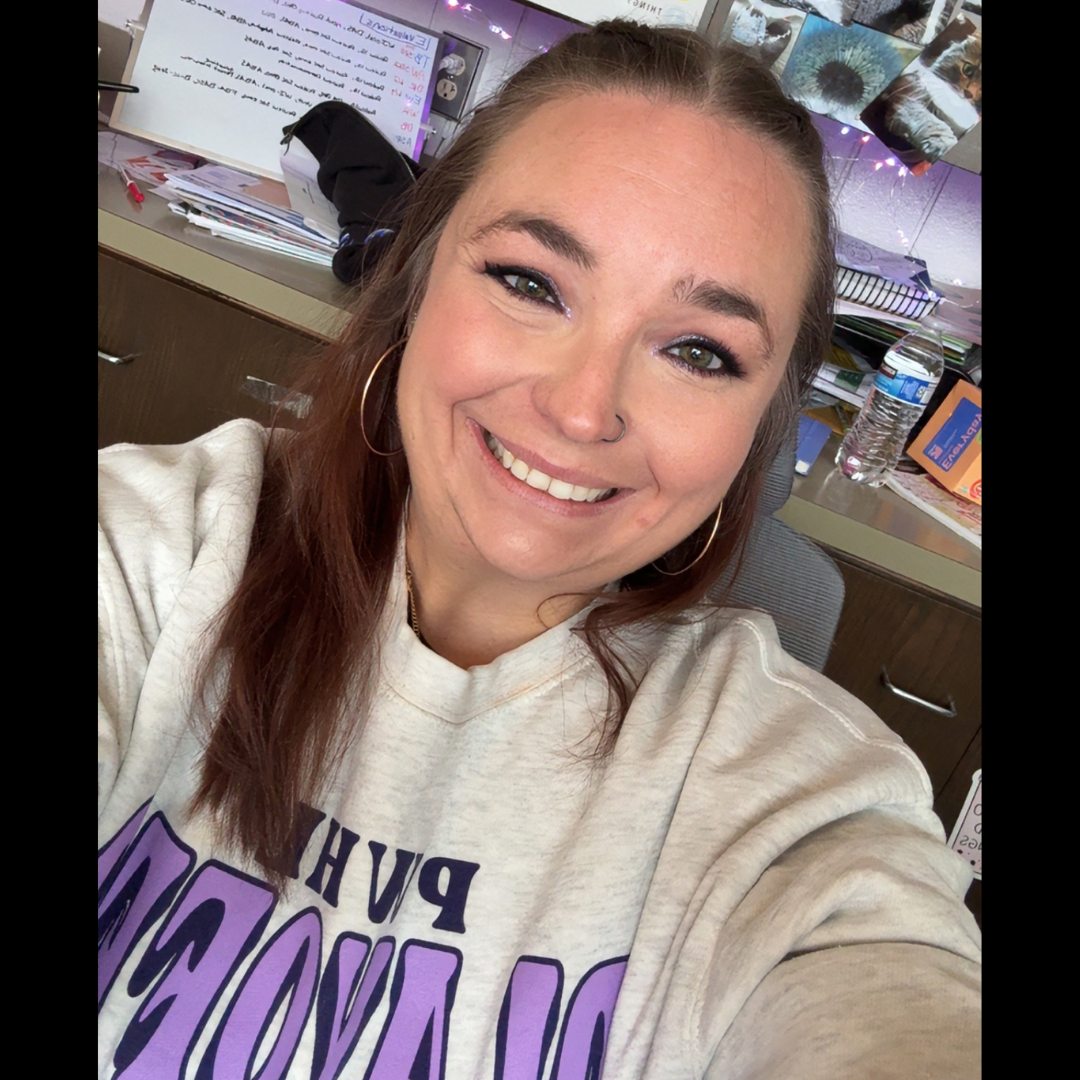
    Melannie Trees (NE Sector)

    Melannie has been a special education consultant with Central Rivers AEA since 2021, most recently serving as Discipline Lead and Autism Learning Team Lead. Her background in education includes roles as an instructional coach, special education teacher and general education teacher for Cedar Falls Community Schools. Additionally, she taught elementary special education for Des Moines Public Schools, served as an ECSE teacher at Rainbows United in Wichita, Kansas, and was a preschool teacher for the Greene Community School District.
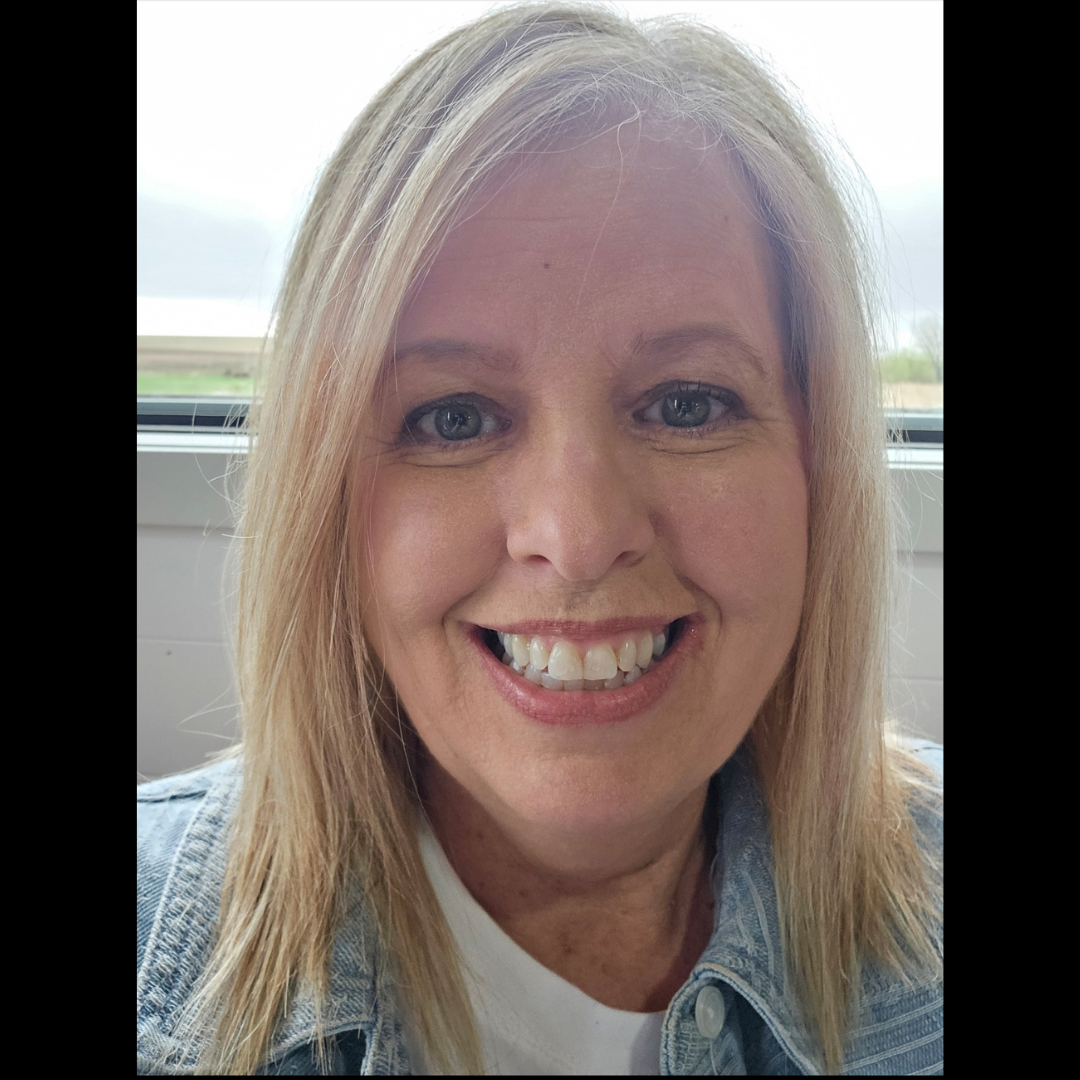
    Melannie earned her bachelor’s degree in elementary education with a reading endorsement from Upper Iowa University. She went on to receive a master’s degree in special education with a consultant endorsement from Morningside University, and a second master’s degree in educational leadership from Viterbo University. Melannie and her husband, Brad, live north of Cedar Falls with their three children: Peyton, McCabe and Hadleigh. Outside of her professional life, she enjoys spending time with family and friends, walking outdoors, listening to audiobooks and attending her kids’ activities.
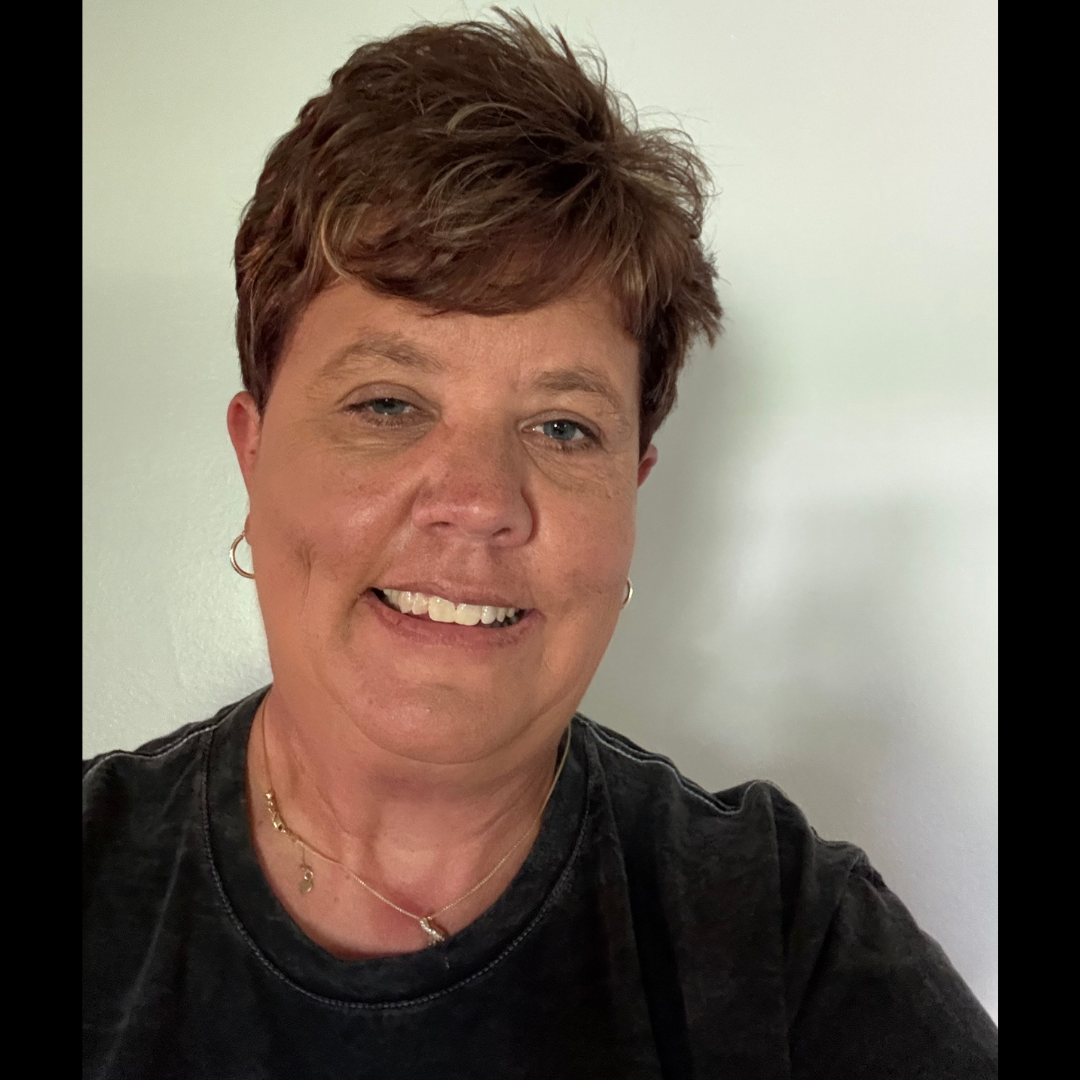
    Kari Christenson, .5 Asst. Regional Administrator
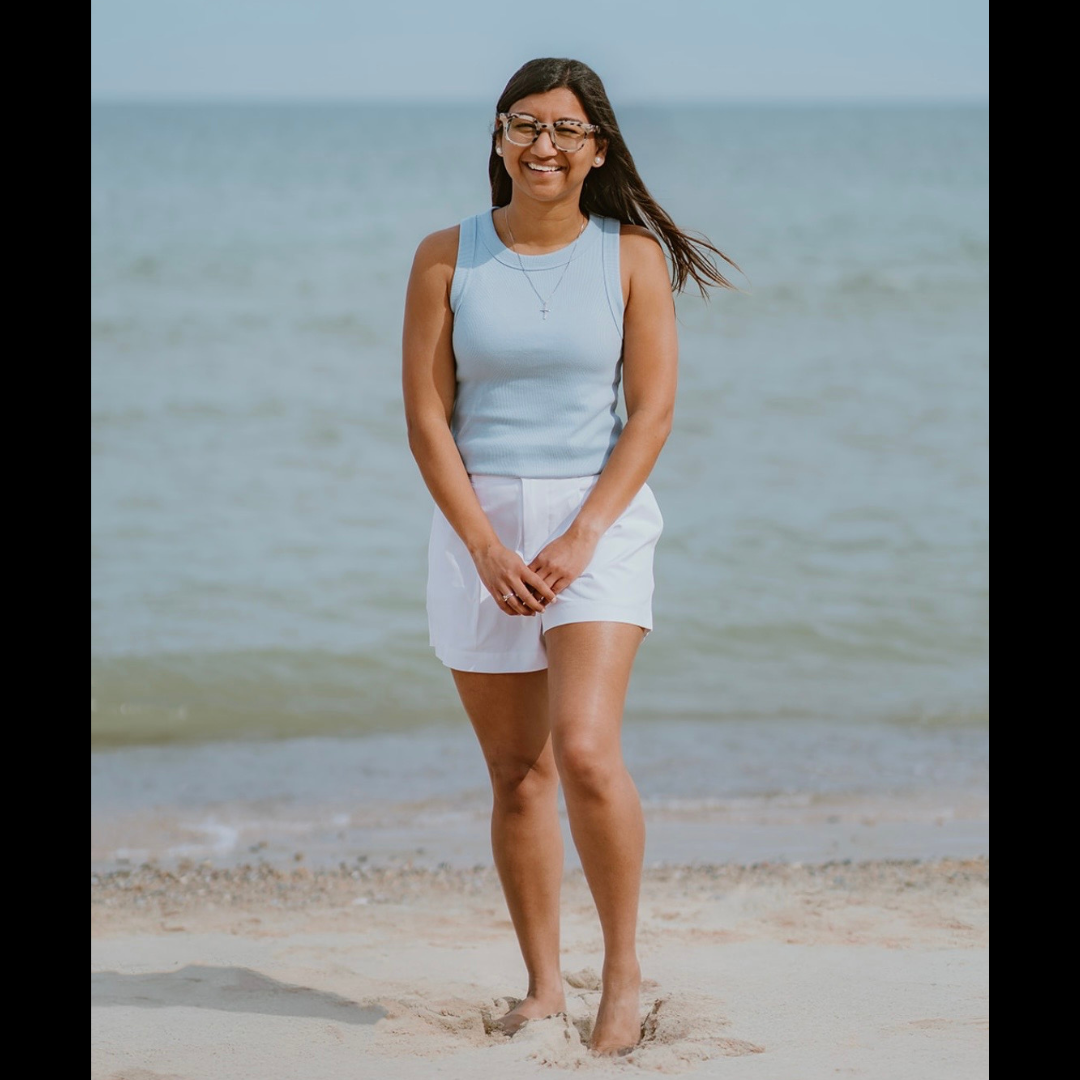
    Kari Christenson (NW Sector)

    Kari has been a special education consultant with Central Rivers AEA since 2009. Throughout her time at Central Rivers, she has served as an Autism Team Lead, provided a variety of professional development opportunities, and served as a shared special education director for multiple rural school districts. Prior to joining Central Rivers, Kari worked as both a special education teacher and a general education teacher for Mason City Community School District.

    Kari earned her bachelor’s degree in Elementary Education, with a minor in Special Education, from Buena Vista University. She later earned a Master of Arts in Teaching and Learning, along with a consultant endorsement, from Morningside College. She also completed her PK–12 Principal/Supervisor of Special Education certification through Northwestern College.

    Kari and her husband, Jason, live in Clear Lake with their two dogs, Zoey and Finley. Outside of work, she enjoys spending time with her family – especially her new granddaughter – and shopping for vintage and antique treasures.

    Liz Donnelly, Assistant Regional Administrator/Speech-Language Pathologist
    Liz Donnelly (South Sector)

    Liz has currently been serving as a Speech-Language Pathologist (SLP) Discipline Co-Lead at Central Rivers AEA, and has served as a direct service provider for various districts for Central Rivers AEA since 2021. Prior to that, she served as a direct service provider at Grant Wood AEA for nine years. During her time at Grant Wood AEA, she also participated in the Organizational Leadership Program and served on a Region Leadership Development Team. 

    Liz earned her Bachelor’s Degree in Communicative Disorders, an education endorsement, and a Master’s Degree in Speech Pathology from the University of Northern Iowa. She then completed her PK-12 Principal/Supervisor of Special Education certification through Viterbo University. Liz and her spouse Tom live in Cedar Falls. She enjoys spending time with family and friends, golfing and other outdoor activities.

    Please join us in giving a warm welcome to both Lexie and Marc, and a congratulations to Jennifer, Melannie, Kari and Liz! We are confident they all will bring valuable insights and leadership to their new roles for 2026-27.

  • Welcome aboard: meet the newest Central Rivers AEA team members

    We would like to welcome incoming staff for the 2026-27 school year. We are so excited you’re joining our Central Rivers AEA team!